You have five photographers on the ground at a major stadium or red carpet. They are firing high-res files over spotty cellular connections back to the editing desk. Every minute counts.
If you have tried managing this before, you probably ran into one of these headaches:
- The Shared Login Hack: Giving everyone the same generic FTP login.
- The Reality: Total chaos. File collisions and untraceable uploads.
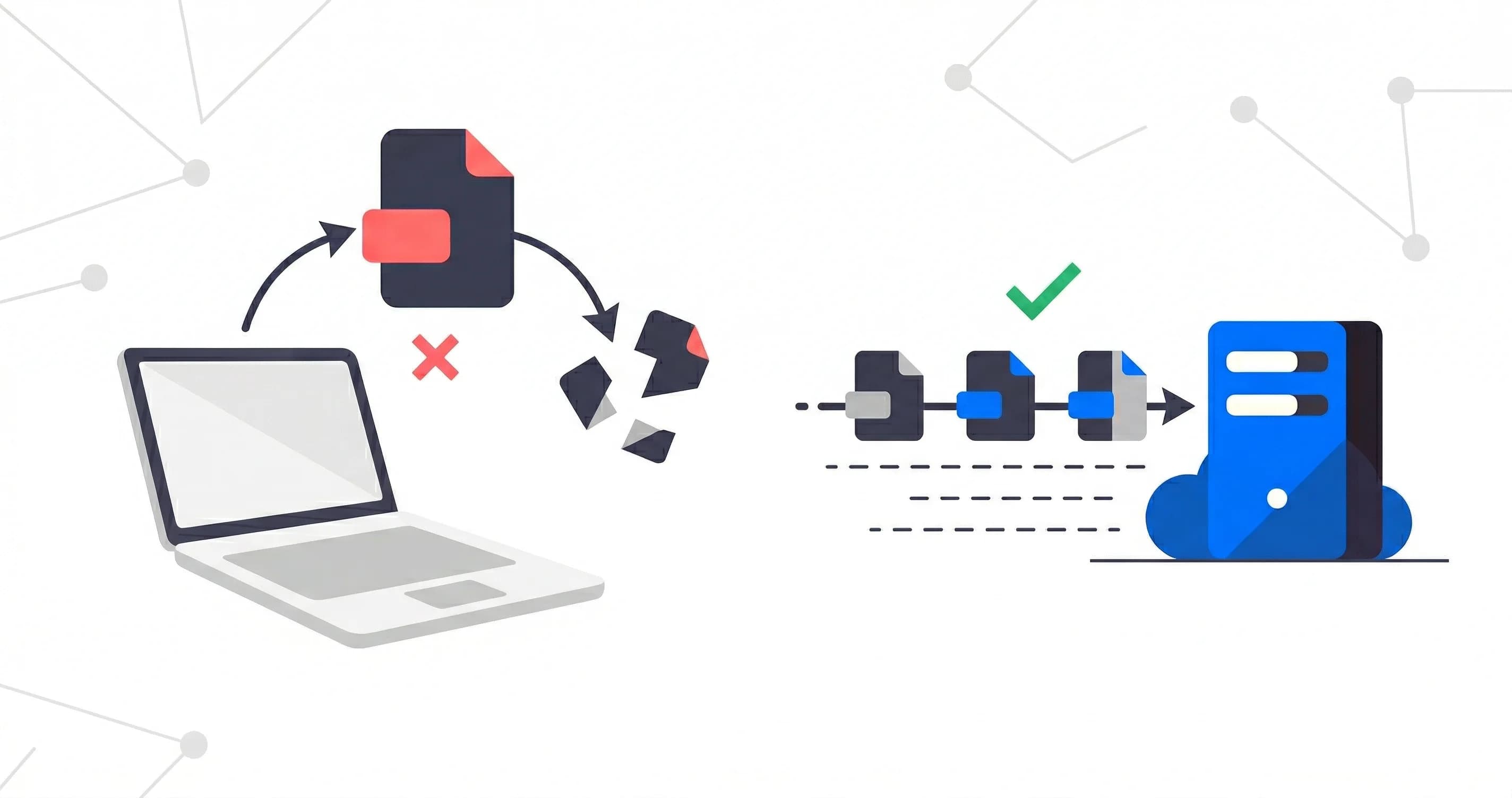
DSC0001.jpgfrom Camera A overwritesDSC0001.jpgfrom Camera B. Your editors are tearing their hair out because nobody knows who actually took which photo.
- The Reality: Total chaos. File collisions and untraceable uploads.
- The Sneakernet Route: Running physical memory cards across the venue.
- The Reality: Painfully slow. The news cycle moves in seconds, not the twenty minutes it takes to run a card to the press room.
- The Roll-Your-Own Server: Spinning up an OpenSSH or vsftpd box on AWS and managing chroot jails by hand.
- The Reality: Fragile, expensive, and a nightmare to maintain when a credential stops working mid-event.
A Better Pattern: Decoupling Storage from Identity
The clean way to solve this is separating your storage destination from your photographer identities.
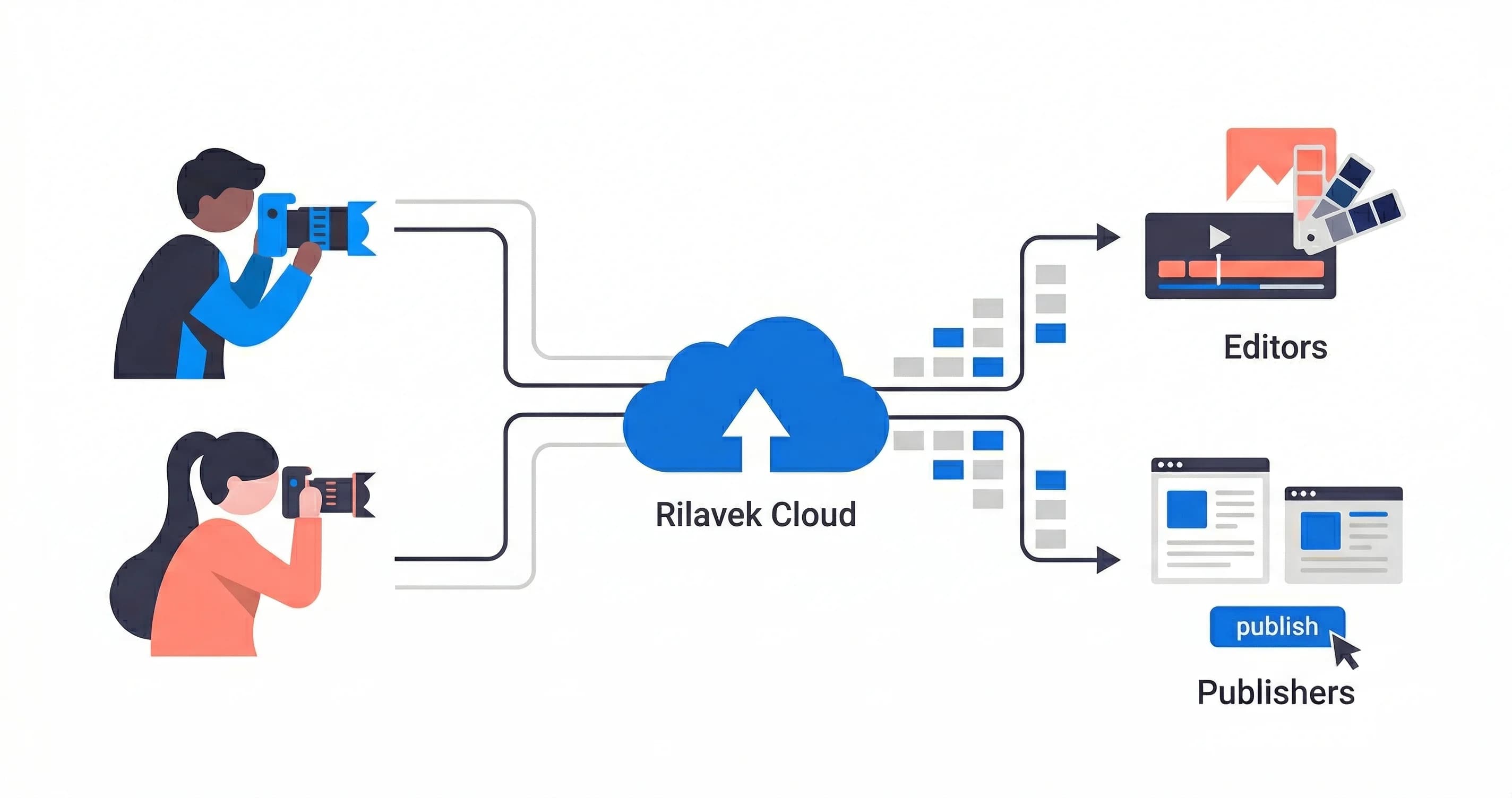
Instead of tying an FTP directory directly to an OS user account, Rilavek gives you a managed routing layer built specifically for high-throughput ingestion:
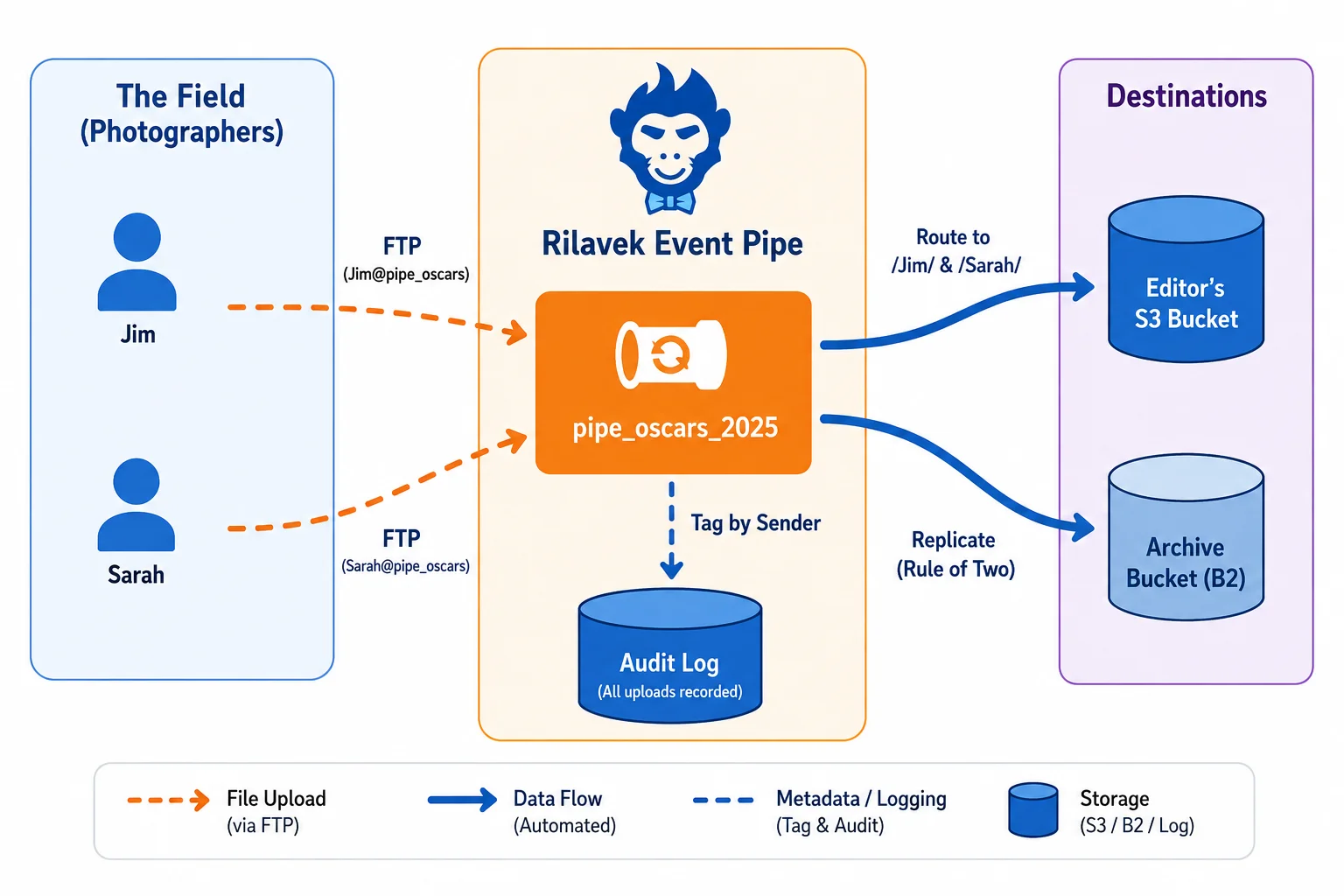
- The Pipe: The routing channel. You create a Pipe in Rilavek (e.g.,
pipe_oscars_2026) and link it to your target S3 bucket. - The Senders: Isolated credentials for each photographer or camera (
jim,sarah,remote_cam_1). - The Destinations: Your cloud storage (AWS S3, Backblaze B2, Cloudflare R2, or Wasabi) where files land instantly.
Each photographer connects to the exact same host (ftp.rilavek.com), but their uploads are isolated and routed automatically.
How to Set This Up in Rilavek
Here is the exact setup to keep an entire photo crew organized without file collisions.
Prerequisites
- Camera fleet with built-in FTP or FTPS support (Canon R3/R5, Nikon Z9/Z8, Sony a1/a9/a7 series).
- S3-compatible cloud storage bucket.
- A free Rilavek account (includes 10GB/month of transfer with no credit card required).
Phase 1: The Desk (Agency Setup)
- Create an Ingestion Pipe:
- In your Rilavek dashboard, navigate to Pipes and click Create Pipe.
- Name it something clear, like
oscars_2026_live. - Attach your destination storage (e.g.,
s3://agency-media-vault/2026/oscars/). - Toggle on "Store in sender folder". This is the key switch. It tells Rilavek to automatically prefix every incoming file with the sender's username, keeping everyone's files strictly separated.
- Issue Photographer Identities (Senders):
- Go to Senders and create a distinct identity for each photographer (
jim_sports,sarah_redcarpet,mike_stage). - Rilavek generates a unique, secure password for each sender.
- Go to Senders and create a distinct identity for each photographer (
- Assign Senders to the Pipe:
- In your Pipe settings under Access Control, add Jim, Sarah, and Mike. Only senders explicitly added to this Pipe can push files to it.
Phase 2: The Field (Camera Configuration)
Photographers do not need to deal with complex folder paths in tiny camera menus. They set up standard FTP once:
- Jim's Camera:
- Protocol: FTP (or FTPS on Port 21)
- Host:
ftp.rilavek.com - User:
jim_sports@pipe_oscars_2026 - Password: (Jim's sender password)
- Directory:
/(Leave as root)
- Sarah's Camera:
- Host:
ftp.rilavek.com - User:
sarah_redcarpet@pipe_oscars_2026 - Password: (Sarah's sender password)
- Directory:
/
- Host:
The @pipe_id in the username tells Rilavek which Pipe to route the file through, while the prefix identifies the photographer.
What Hits Your S3 Bucket
The moment a photographer takes a shot, the file streams straight to your cloud storage without touching intermediate disks:
s3://agency-media-vault/2026/oscars/
├── jim_sports/
│   ├── DSC0492.jpg
│   ├── DSC0493.jpg
├── sarah_redcarpet/
│   ├── IMG_9921.jpg
│   ├── IMG_9922.jpg
├── mike_stage/
│   ├── _DSC1042.jpg
│   ├── _DSC1043.jpg
Editors can monitor specific S3 prefixes in real time. They know exactly which shooter captured each frame, and file name collisions are completely impossible.
Multi-Destination Redundancy (Zero Extra Egress)
For live events, losing footage is not an option. Rilavek lets you attach multiple storage destinations to a single Pipe.
- Primary Destination:
s3://fast-editor-bucket/(AWS S3 in the nearest region for rapid editing). - Backup Destination:
s3://cheap-archive-vault/(Backblaze B2 or Wasabi for long-term disaster recovery).
Your photographer uploads the photo once. Rilavek forks the stream in memory and writes to both storage providers in parallel. This gives you instant redundancy without doubling cellular bandwidth consumption in the field.
Audit Trails and Instant Revocation
When you manage dozens of freelancers, access control matters:
- Granular Audit Logs: Every transfer logs the exact Sender name, timestamp, file size, and destination status. If an editor asks where a file came from, you can search by sender in seconds.
- Instant Offboarding: If a contractor finishes their shift, simply remove their Sender from the Pipe. You do not need to change passwords for the rest of your photographers or reboot any servers.
Field-Tested Best Practices
- Set In-Camera File Prefixes: Have each shooter set a unique 3-letter prefix in their camera body (e.g.,
JIM_orSRH_). It adds a clean layer of identification even after files are downloaded to local workstations. - Use Selective Transfer: Enable "Transfer with SET" or assign a custom Fn button on the camera body. Uploading curated selects rather than every burst shot saves cellular data and speeds up editor turnaround.
- Use FTPS Where Supported: If your camera supports FTPS (such as Canon EOS R3 or Sony bodies with SSL support), turn it on to encrypt image data in transit.
Technical Reference & Next Steps
- Camera Setup Guides: Step-by-step walkthroughs for specific camera models:
- Protocol Reference: Review connection details and security options in our FTP Source Documentation.
- Partner SFTP Management: Need to accept files from external clients and vendors too? See our guide on giving every vendor their own SFTP login.
- Real-Time Webhook Triggers: Automate Slack alerts or image processing when a photographer uploads by checking our Webhooks Documentation.
Enjoyed this guide?
Share it with your network to help others scale their data pipelines.