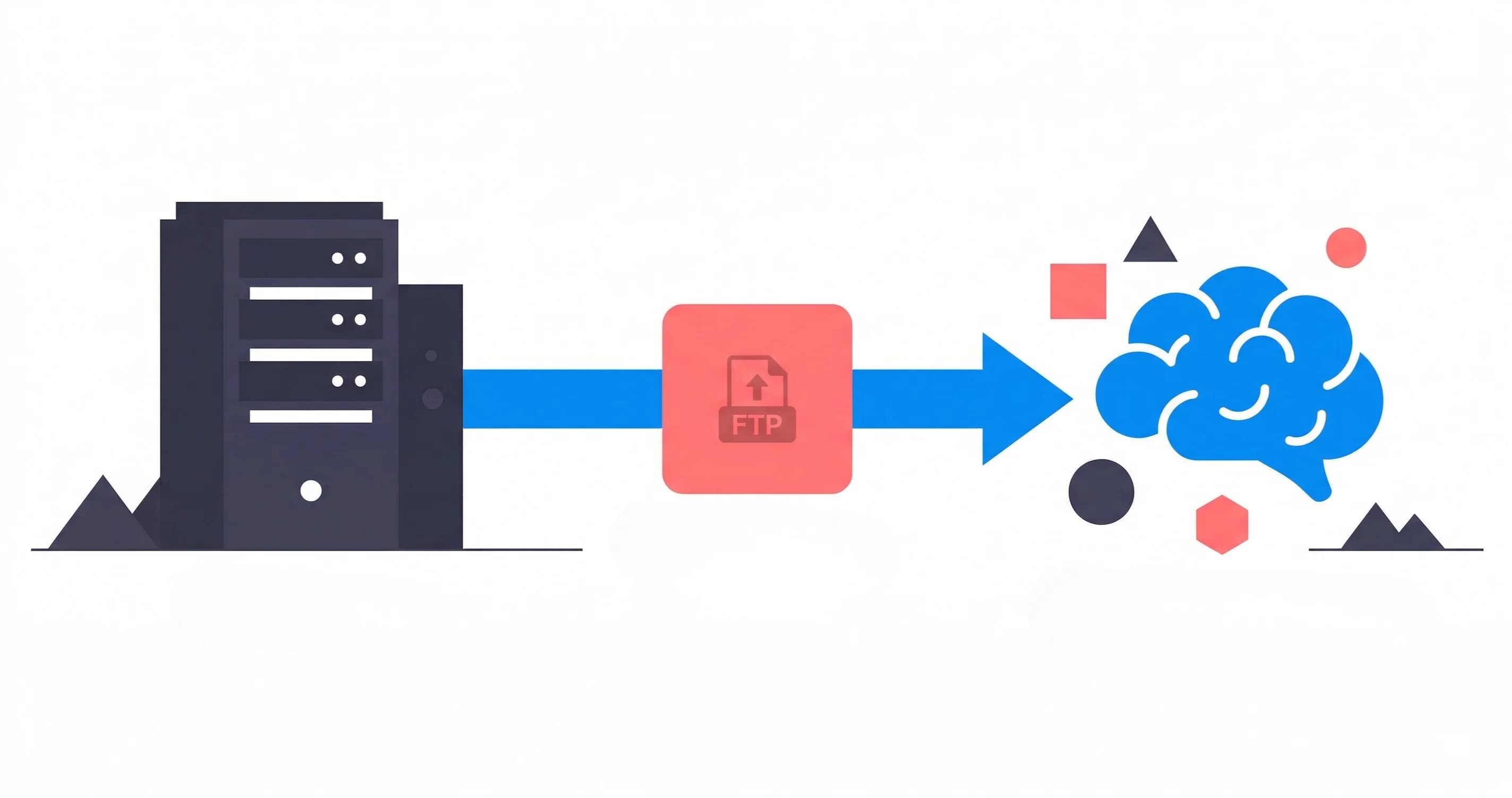
Most AI agents and LLM frameworks expect clean data arriving over modern JSON REST APIs. But your critical operational data (manufacturing logs, mainframe exports, PLC telemetry, and surveillance footage) is locked inside legacy hardware that only speaks FTP or SFTP.
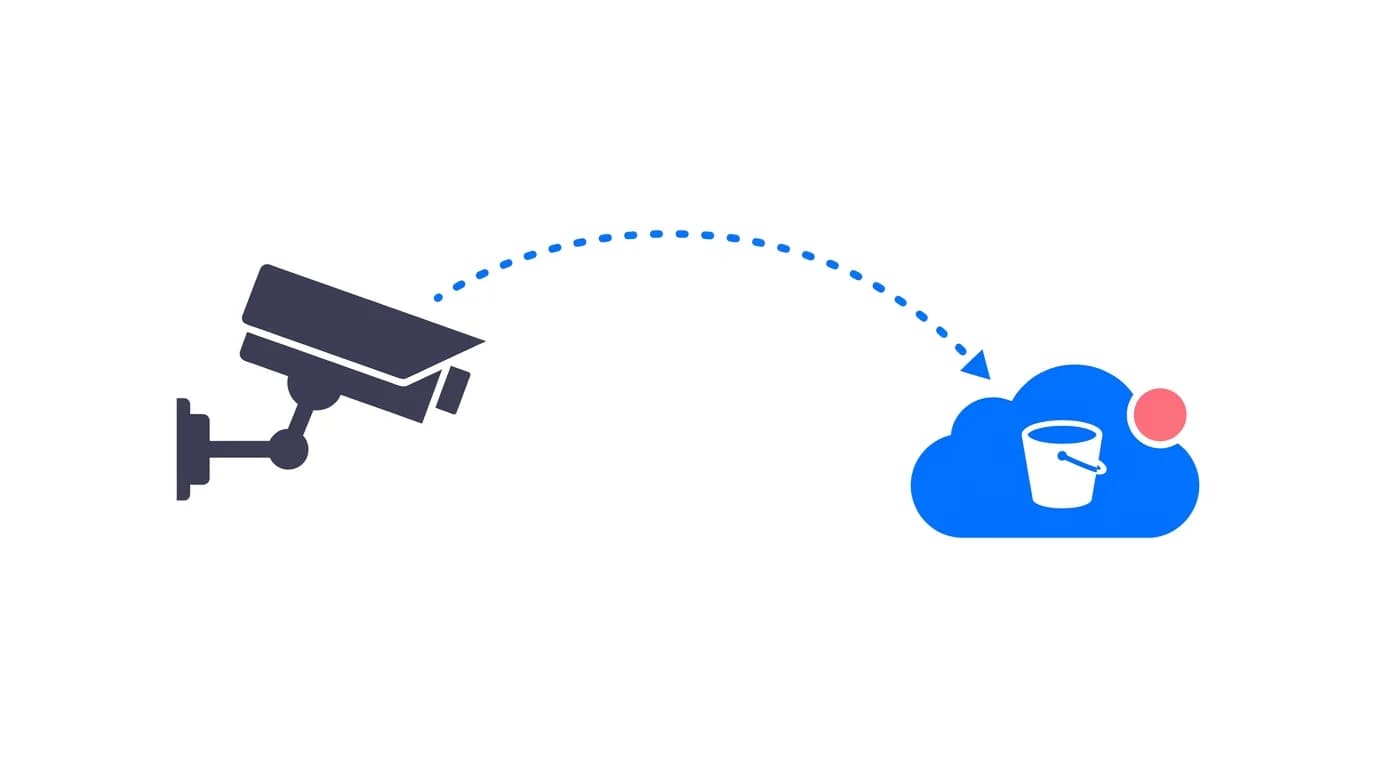
We ran into this wall building RAG (Retrieval-Augmented Generation) pipelines for industrial operations. The AI connects effortlessly to modern SaaS like Notion or Google Drive. But it cannot talk to a 1990s PLC or an on-premise security camera.
Traditional managed file transfer (MFT) tools focus on human-to-human workflows: shared folders, manual web downloads, and email alerts. That model fails for AI. AI agents and vector databases need event-driven triggers and direct object storage access, not a desktop folder someone checks twice a day.
The Old Pattern: Polling and Fragile Glue Code
DevOps and data teams usually patch this gap with cron jobs:
- A scheduled Python script polls an SFTP server every fifteen minutes.
- It checks for new files and downloads them to local disk.
- It pushes the files into an S3 bucket.
- A secondary batch worker triggers an embedding pipeline.
This approach is slow, fragile, and wasteful. You pay compute costs just to query empty directories over and over. Worse, your AI agent is always minutes or hours behind reality. When a machine on a factory line trips a fault code, an LLM assistant should know about it in seconds, not after the next hourly cron cycle.
The Modern Architecture: Event-Driven Pass-Through Bridge
Rilavek solves this with an event-driven universal adapter:
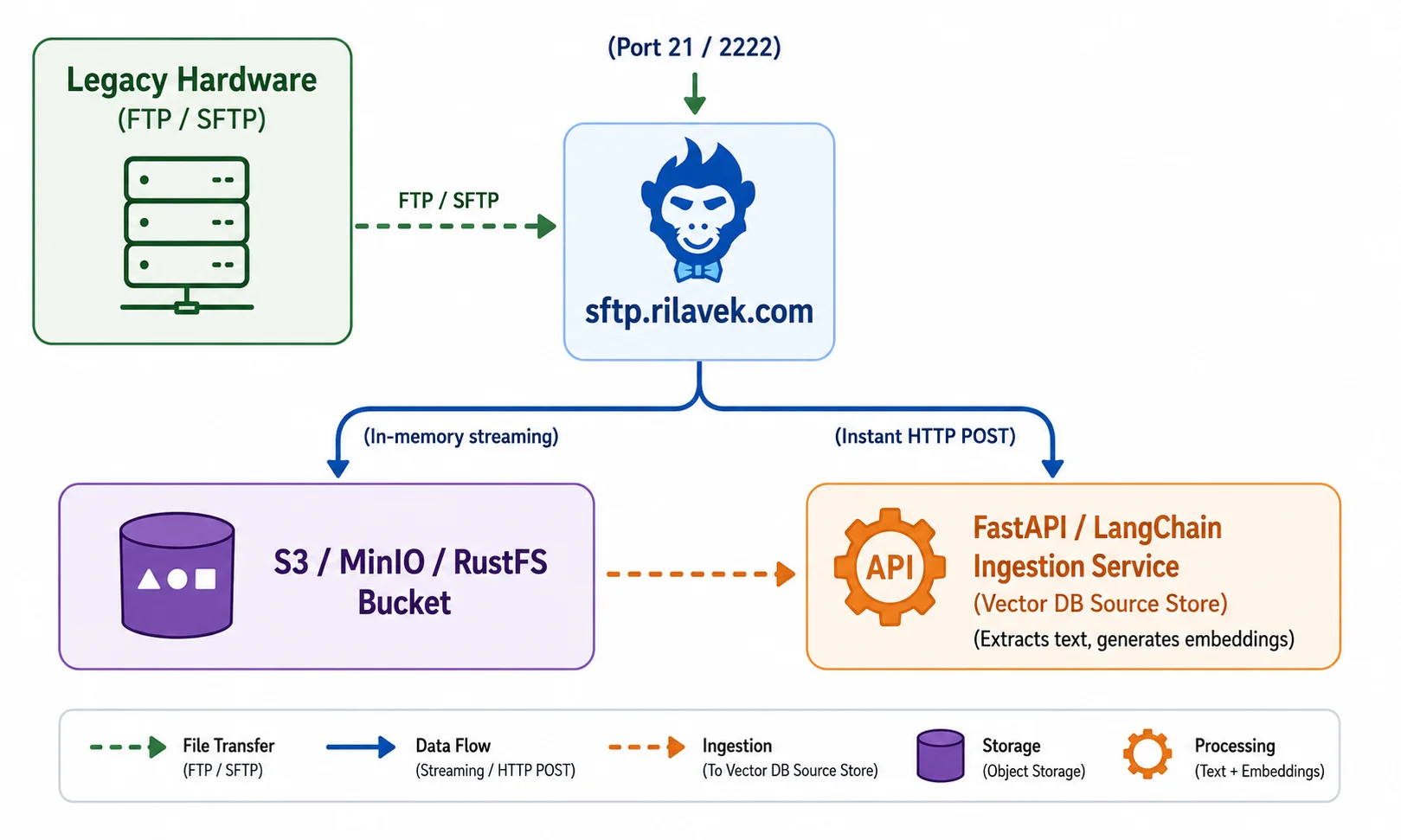
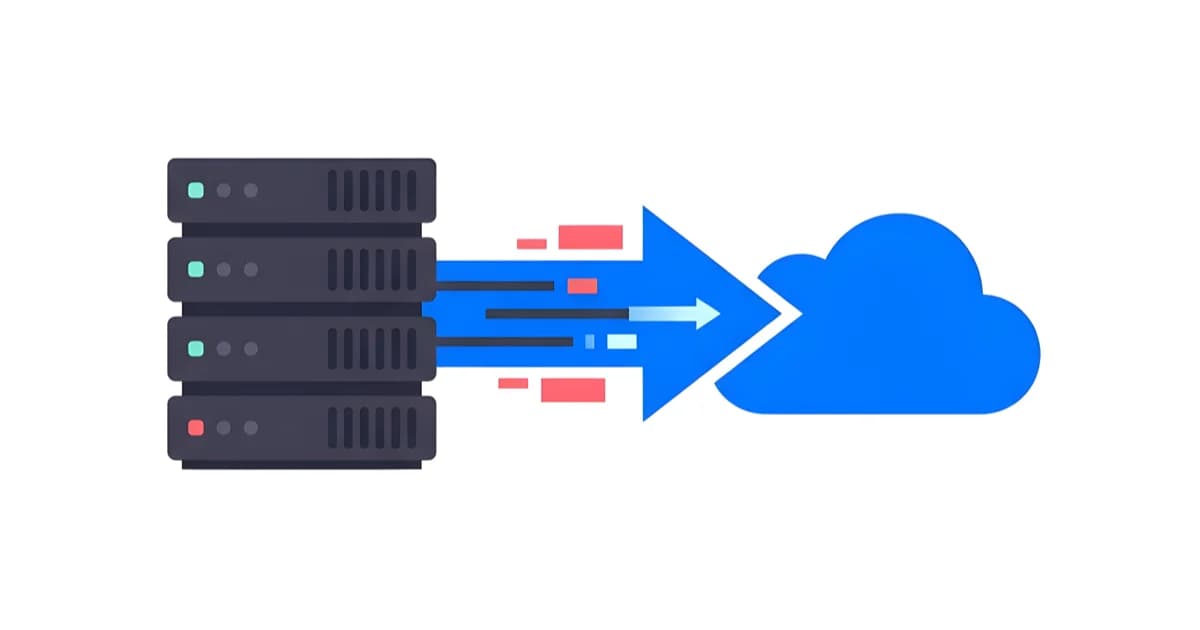
- Ingest: Legacy equipment uploads via standard SFTP (Port 2222) or FTP/FTPS (Port 21). To the hardware, Rilavek looks like any standard file server.
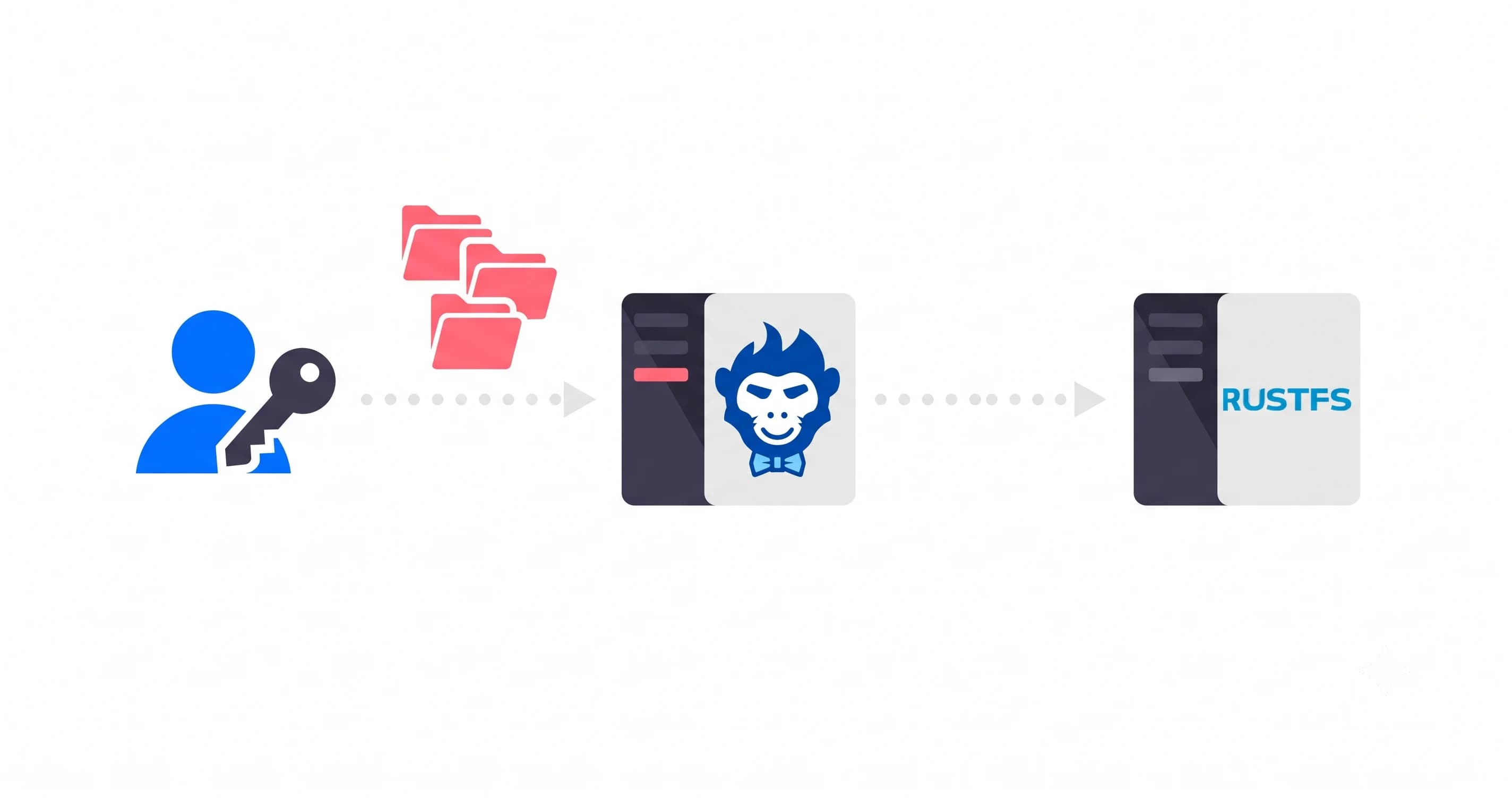
- Stream: Rilavek streams data directly into your S3 bucket (or MinIO, RustFS, Cloudflare R2, or Backblaze B2). No files are saved to Rilavek disks.
- Trigger: The millisecond the transfer finishes, Rilavek fires an HMAC-signed webhook to your ingestion service.
Zero polling. Your downstream RAG pipeline ingests, chunks, and embeds new operational data within seconds of upload.
Security and Data Sovereignty for Proprietary Datasets
Industrial and enterprise data is sensitive. Intellectual property, factory floor logs, and compliance records cannot sit in third-party intermediate storage.
Rilavek uses a Zero-Knowledge Pass-Through architecture. Data streams directly through memory into your target cloud storage bucket. Your proprietary training data never rests on intermediate disks, keeping your pipelines compliant with strict data residency and security policies.
How It Works: 4 Steps from Upload to Embedding
Here is how you bridge legacy uploads directly into a vector database or LLM agent.
Prerequisites
- An S3 bucket (or S3-compatible store like Cloudflare R2, MinIO, or RustFS).
- A free Rilavek account (includes 10GB/month of transfer, no credit card required).
- A webhook endpoint (FastAPI, AWS Lambda, or an n8n workflow).
Step 1: Create an Ingestion Pipe in Rilavek
In your Rilavek Dashboard:
- Go to Data Stores and connect your target S3 bucket (e.g.,
s3://industrial-rag-source/). - Go to Pipes and click Create Pipe. Name it
telemetry_ingestion. - Enable SFTP (Port 2222) and FTP inputs.
- Under Senders, create a unique identity for your hardware (
plc_assembly_line_1).
Step 2: Configure Your Webhook Endpoint
In your Pipe settings, add the URL of your ingestion service or serverless function. Rilavek sends a clean JSON payload whenever a file upload completes:
{
  "event": "file.status_changed",
  "timestamp": "2026-01-25T14:32:00.000Z",
  "data": {
    "pipe_id": "pip_123456789",
    "file_id": "fil_987654321",
    "filename": "shift_report_2026_01_25.pdf",
    "status": "transferred",
    "size": 2097152,
    "sender": "plc_assembly_line_1",
    "protocol": "sftp",
    "destinations": [
      { "destinationId": "dst_111222333", "status": "transferred" }
    ]
  }
}
Every webhook request includes an X-Rilavek-Signature header containing an HMAC-SHA256 hash. Validating this signature ensures only authorized events trigger your downstream logic.
Step 3: Trigger Downstream Embedding
When your service receives the transferred event:
- Verify the HMAC signature using your webhook secret.
- Fetch the file from S3 using the
filenamefrom the payload. - Chunk and embed the content using your vector framework (LangChain, LlamaIndex, or native embeddings API).
- Tag metadata: Attach the
senderandtimestampfields from the webhook payload so your AI agent knows exactly which machine generated the data.
Step 4: Test with Standard SFTP
Upload a test file from your legacy client or terminal:
sftp -P 2222 plc_assembly_line_1@telemetry_ingestion@sftp.rilavek.com << EOF
put shift_report_2026_01_25.pdf
bye
EOF
The file streams into S3 immediately, Rilavek fires the webhook, and your RAG knowledge base updates in real time.
Why This Unlocks New AI Capabilities
Legacy protocols do not have to hold back your modern AI stack. With Rilavek acting as the bridge:
- Eliminate fragile polling jobs: Stop writing cron scripts that poll SFTP directories and waste compute.
- Real-time freshness: Your LLM knowledge base stays synced to reality as events happen on the ground.
- Per-device security: Every PLC, camera, or mainframe gets its own isolated Sender credential with fine-grained revocation.
- Storage freedom: Route data to any S3-compatible backend without modifying legacy client configurations.
Technical Reference & Next Steps
- Webhook Documentation: Explore event schemas, retry policies, and signature verification in our Webhooks Guide.
- Automating Pipelines: Learn how to connect webhooks to Slack, AWS Lambda, or Zapier in our S3 Webhook Automation Guide.
- Per-Vendor SFTP Access: Need to isolate access for external partners and suppliers? See Giving Every Vendor Their Own SFTP Login.
- Self-Hosted Storage Backends: Want to keep everything on-premise? Learn how to pair Rilavek with RustFS for self-hosted SFTP storage.
Enjoyed this guide?
Share it with your network to help others scale their data pipelines.