Your security team hates your FTP server. Your operations team hates patching it. But that 15-year-old PLC on the factory floor doesn't care. It speaks FTP, and it's not learning a new language.
You're stuck running vsftpd or ProFTPD, maintaining specific firewall rules for passive mode, and hoping no one scans port 21. This architecture isn't just "showing its age." It's an active liability.
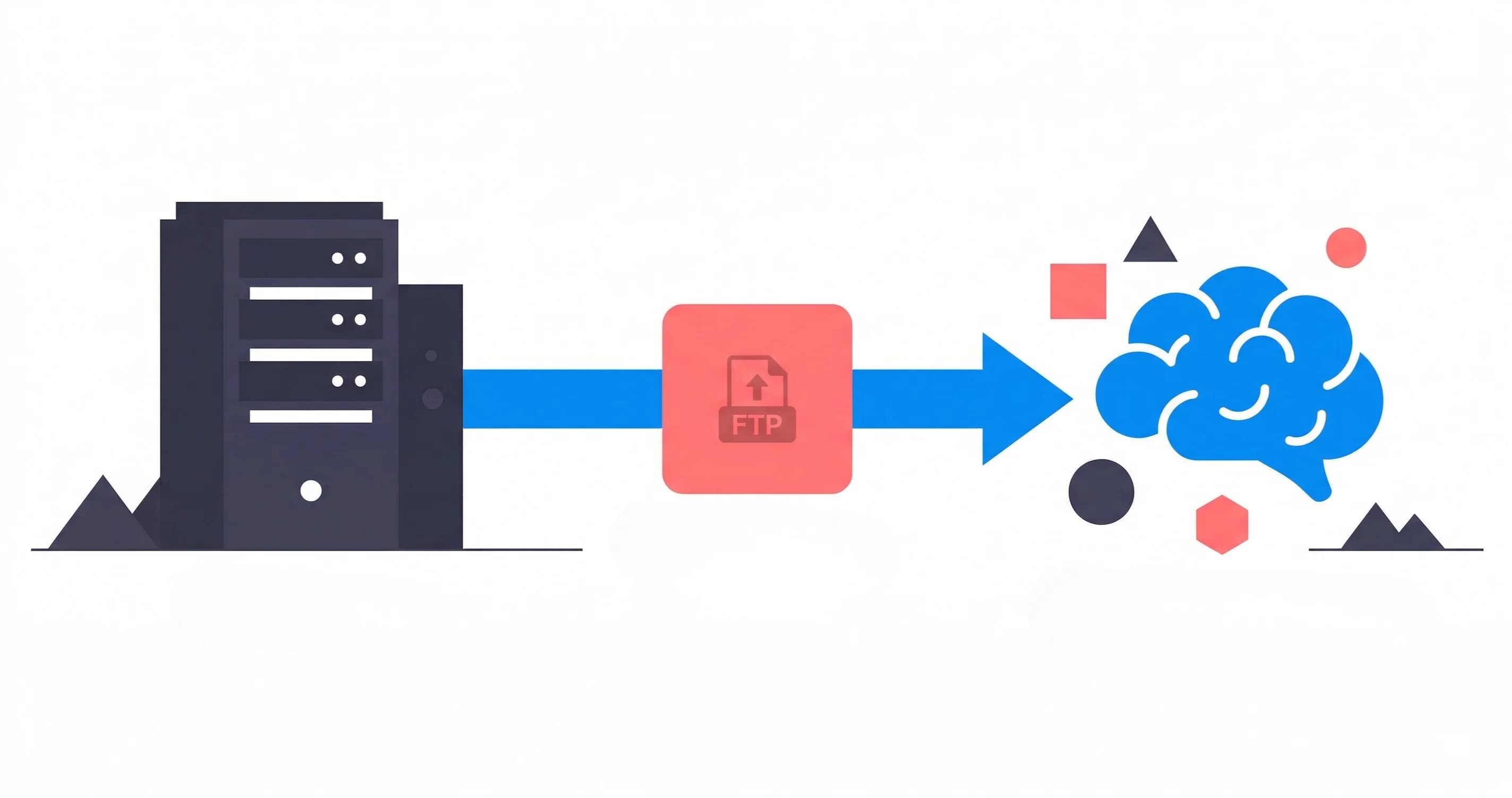
The solution isn't replacing those devices or forcing partners to change their integrations. It's replacing the infrastructure behind the FTP endpoint: transparently routing those legacy protocols directly into modern cloud storage.
The Legacy FTP Problem: Security Theater on Critical Infrastructure
Running a vsftpd or ProFTPD server today means accepting known risks that compound over time:
Security Vulnerabilities That Never Sleep
-
Aging codebases: vsftpd's last major release was in 2015. ProFTPD has seen sporadic updates, but both projects move slowly compared to the pace of discovered vulnerabilities.
-
Plain FTP for legacy devices: Many industrial systems and cameras can only use unencrypted FTP. This transmits credentials and data in cleartext across your network.
-
Exploit databases full of known issues: CVEs targeting authentication bypass, directory traversal, and buffer overflows continue to surface. Even patched systems require constant vigilance.
-
Credential management complexity: User accounts proliferate. Passwords sit in config files. Offboarding means remembering to remove shell access. The attack surface grows with every new integration.
Operational Friction That Drains Resources
Beyond security, legacy FTP infrastructure creates ongoing operational burden:
-
Disk management theater: Storage fills up. You expand volumes. Implement retention policies. Set up log rotation. Rinse and repeat every few months.
-
Manual provisioning workflows: Every new camera or partner requires creating user accounts, setting permissions, creating directories, and documenting access patterns.
-
Backup complexity: Backing up an FTP server means coordinating filesystem snapshots, configuration files, and user databases. Recovery testing often reveals gaps.
-
Poor observability: Basic FTP logs don't integrate with modern monitoring stacks. Building visibility into file transfer patterns requires custom scripting and log parsing.
-
Firewall nightmares: Configuring
pasv_min_portandpasv_max_portinvsftpd.conf, then realizing your cloud load balancer doesn't support the same range. Or worse, having to explain to a corporate partner why they need to whitelist a 10,000 port range just for a simple file upload. -
Scaling limitations: Vertical scaling hits hardware limits. Horizontal scaling requires sticky sessions, shared NFS storage (which introduces its own locking hell), and complex load balancer configurations.
The Cost of Dedicated Infrastructure
Perhaps most frustrating is the economics:
-
Underutilized servers: Most FTP servers see bursty traffic. Cameras uploading footage at scheduled intervals, nightly backups, periodic data transfers. The server runs 24/7 but does real work perhaps 10% of the time.
-
Storage inefficiency: Local disks can't automatically tier to cold storage. You pay for fast storage even for files accessed once and never touched again.
-
Hidden operational costs: System administration time, security patching, monitoring, and troubleshooting all add up. These costs are often invisible on balance sheets but very real.
Why You Can't Just Shut Down the FTP Server
The obvious question: if FTP servers are so problematic, why not decommission them? The answer reveals itself in the ecosystem they support:
Legacy Hardware Can't Change Protocols
Industrial equipment has long lifecycles. That IP camera installed in 2012? It works perfectly, provides excellent image quality, and will run for another decade. But it only knows how to upload via FTP. The manufacturer may no longer exist or no longer supports the model.
PLCs controlling manufacturing equipment, weather stations uploading telemetry, backup appliances from defunct vendors: all speak FTP because that's what they were programmed to do. Replacing them means capital expenditure running into six or seven figures, plus operational disruption.
Partner Integrations Are Set in Stone
External organizations send you files via FTP endpoints documented in contracts, integration guides, and runbooks. Changing these endpoints means:
- Coordinating with multiple teams across organizational boundaries
- Change approval processes that can take months
- Testing windows that require scheduling across time zones
- Risk of breakage in production workflows that generate revenue
For organizations with dozens or hundreds of such integrations, the coordination overhead becomes prohibitive.
Business Continuity Demands Zero Downtime
Many FTP workflows support critical business functions. Surveillance footage, transaction logs, automated reporting, supply chain data. These aren't nice-to-have conveniences. They're operational necessities.
Any migration approach that requires a cutover window, especially one measured in hours or days, is unacceptable. The alternative, running parallel systems during migration, doubles the operational burden.
The Cloud-Native Bridge: Keep the Protocol, Replace the Infrastructure
This is where Rilavek's universal storage bridge changes the equation. Instead of replacing your FTP infrastructure with another FTP server, you replace it with a protocol translation layer that:
- Accepts FTP/FTPS/SFTP connections from your devices and partners
- Streams uploaded files directly to cloud storage (AWS S3, Cloudflare R2, Backblaze B2, Wasabi, or any S3-compatible store)
- Never stores your data on Rilavek's infrastructure. It's a pure pass-through
- Provides you with a secure global endpoint configured to your specific routing rules
Your IP camera connects to our global ingress endpoint using FTP. It uses your unique credentials to authenticate and route data to the correct pipe. It has no idea the infrastructure is fundamentally different from a traditional FTP server.
How It Works: Zero-Knowledge Pass-Through Architecture
Rilavek's architecture is designed around a key principle: your data is yours, and Rilavek never persists it. Here's the flow:
-
Connection establishment: A device initiates an FTP/SFTP connection to
ftp.rilavek.com. Rilavek authenticates the connection using your specific pipe credentials. -
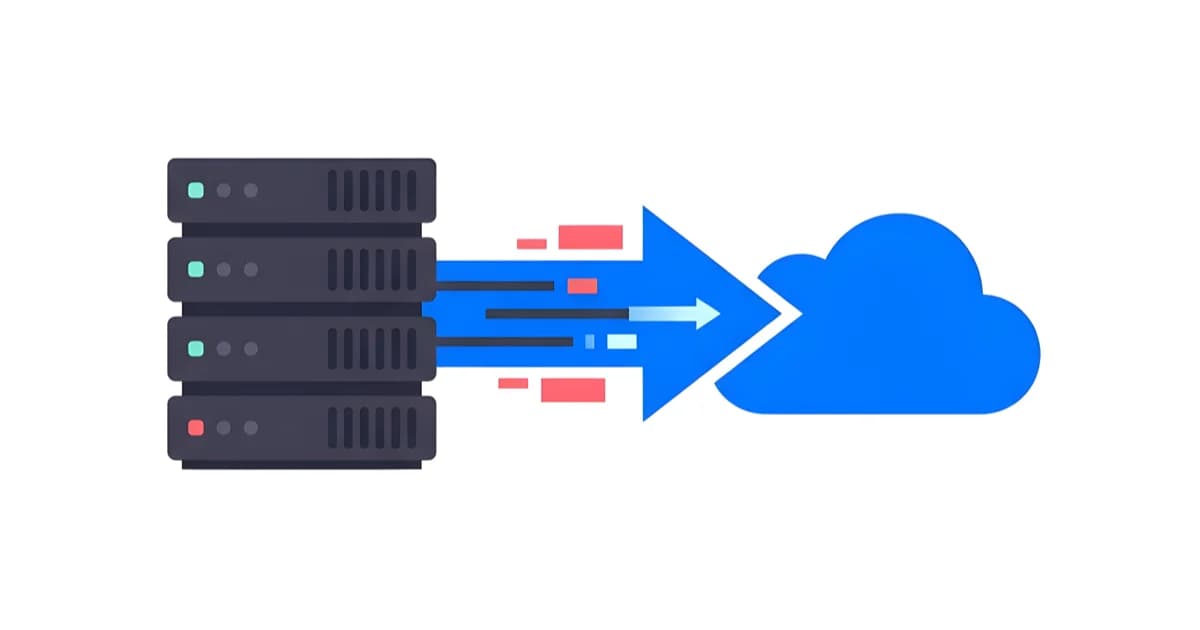
File upload begins: As data arrives over the FTP connection, Rilavek immediately begins streaming it to your configured cloud data store.
-
In-memory processing only: Files are never written to Rilavek's disk. They pass through memory buffers directly from the FTP connection to the cloud storage API call.
-
Encryption in transit: When using FTPS or SFTP, data is encrypted on the wire. The connection to cloud storage is also encrypted (HTTPS). For plain FTP, data arrives unencrypted but is immediately sent to cloud storage over an encrypted connection.
-
Storage confirmation: Once the cloud provider confirms the file write, Rilavek confirms the upload to the FTP client. The transaction is complete.
This zero-knowledge approach means Rilavek can't be compelled to hand over your data (they don't have it), can't accidentally leak it (it's never persisted), and can't be a single point of failure for data retention (the authoritative copy is in your cloud storage).
Multi-Data Store Fan-Out: Automatic Redundancy
One of Rilavek's most powerful features is the ability to replicate incoming files to multiple cloud data stores simultaneously. When an FTP client uploads a file:
- The stream is duplicated in memory
- Each copy is sent to a different cloud provider (e.g., AWS S3 for hot access, Backblaze B2 for cold storage)
- All transfers happen in parallel, minimizing latency
This implements multi-cloud redundancy without requiring the FTP client to change anything. Your surveillance camera uploads once; you get copies in two or three different cloud providers automatically. If one provider has an outage, your data is still accessible elsewhere.
Security Improvements: From Liability to Asset
Replacing a legacy FTP server with Rilavek's bridge transforms your security posture:
No More FTP Server to Attack
The most obvious benefit: vsftpd and ProFTPD are no longer running in your infrastructure. Those CVEs? Not your problem anymore. The operating system requiring security patches? Gone. The user account database that could be compromised? Eliminated.
Rilavek handles FTP protocol termination in a hardened, regularly updated environment designed specifically for this purpose. Security updates happen automatically without requiring your team's attention.
Data-at-Rest in Cloud-Native Encryption
Files landing in S3 or any S3-compatible object store benefit from:
-
Automatic encryption at rest: All major cloud providers encrypt stored objects by default. You can use provider-managed keys or bring your own.
-
Access logging: Cloud provider access logs show every read and write operation, providing audit trails that basic FTP logging can't match.
-
Lifecycle policies: Automatically transition old files to cheaper archival tiers or delete them after defined retention periods, all enforced by the cloud provider.
Support for Legacy Plain FTP (When You Have No Choice)
Some legacy devices genuinely can't support encryption. They were manufactured before FTPS or SFTP support was common, and firmware updates aren't available. Rilavek acknowledges this reality:
- Plain FTP is supported when explicitly configured
- Even unencrypted uploads are immediately sent to cloud storage over encrypted HTTPS
- Network segmentation and firewall rules can limit which devices can use unencrypted FTP
- You get visibility into which connections are using plain FTP, enabling risk management
This pragmatic approach lets you migrate legacy systems without the impossible requirement of forcing hardware upgrades. Over time, as devices are replaced, you can phase out plain FTP support.
Operational Benefits: From Maintenance to Monitoring
Zero Infrastructure Management
The most immediate operational benefit is what you no longer have to do:
- No servers to patch or reboot
- No storage to expand or manage
- No backups to configure or test
- No high-availability clustering to maintain
- No disaster recovery procedures to document and drill
Rilavek handles scaling, redundancy, and availability. Your team focuses on configuring endpoints and monitoring transfers, not keeping servers running.
Observability That Actually Works
Every file transfer through Rilavek generates structured logs containing:
- Source IP address and authenticated user
- Timestamp with millisecond precision
- File path and size
- Data store
- Transfer success or failure status
- Error details for failed transfers
These logs integrate with modern observability platforms. Webhook notifications can trigger automated workflows: archive processing, alerting when expected uploads don't arrive, or kicking off downstream data pipelines.
Elastic Scaling without the Overhead
Rilavek's cloud-native architecture means scaling isn't your problem:
-
Handle traffic spikes automatically: If all your cameras upload simultaneously at 6 AM, Rilavek scales to handle the burst without configuration changes.
-
Predictable, Quota-Based Pricing: Instead of paying for 24/7 server uptime regardless of usage, you pay a flat monthly rate for a data transfer quota. This eliminates the "idle tax" of running dedicated servers for bursty workloads.
-
Start free: 10GB monthly transfer on the free plan with no credit card required. Perfect for testing or low-volume workflows.
How to Migrate from Legacy FTP to a Cloud Bridge
Moving from a legacy FTP server to Rilavek is straightforward:
1. Set Up Your Cloud Storage Connection
Configure your data store (AWS S3, Cloudflare R2, Backblaze B2, Wasabi, or any S3-compatible service) and authentication. Create a Rilavek pipe that connects to your preferred cloud storage provider.
2. Configure FTP Access
Set up FTP/SFTP credentials in Rilavek for your devices and partners. You'll use our global endpoint (ftp.rilavek.com) with your generated credentials.
3. Test with Non-Critical Devices
Update a few low-risk devices to connect to your Rilavek endpoint. Verify files arrive in your cloud storage correctly and downstream systems can access them.
4. Migrate Production Traffic
Gradually update your production devices and partner integrations to use the Rilavek endpoint. You can run both systems in parallel during the transition.
5. Decommission the Legacy Server
Once all traffic is flowing through Rilavek, shut down your old vsftpd or ProFTPD server and reclaim those resources.
Real-World Use Cases
Organizations across industries are using Rilavek's FTP bridge to modernize legacy infrastructure:
Manufacturing: Connecting PLCs to Data Lakes
Industrial control systems generate diagnostic logs and performance data. These PLCs speak FTP because that's what was standard when they were manufactured. Rilavek bridges these devices to cloud data lakes, where analytics platforms can process the data without maintaining aging FTP servers in the factory network.
Security: Surveillance Camera-to-Cloud Workflows
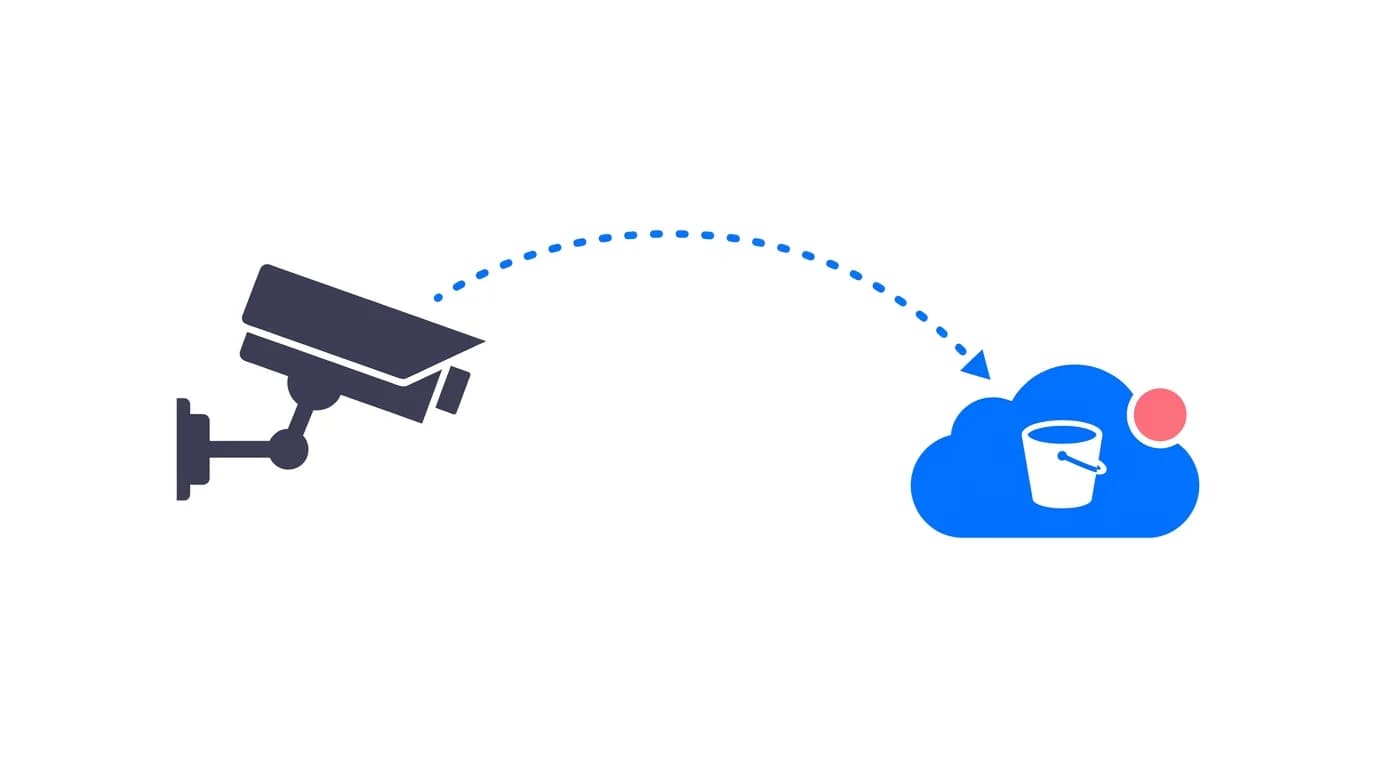
IP cameras upload footage to FTP endpoints on schedule. Rilavek streams this footage directly to S3, where it's automatically tiered to Glacier for long-term archival. Multi-data store replication ensures footage exists in two cloud providers for disaster recovery. Webhook notifications trigger video processing pipelines when new footage arrives.
Media: Camera-to-Cloud for Productions
Professional cameras from Sony and Canon can upload via FTP to cloud storage during shooting. Rilavek provides the bridge, giving editors immediate access to footage in Backblaze B2 or S3 without expensive specialized equipment or enterprise camera-to-cloud subscriptions.
SaaS: Partner Data Ingestion
Enterprise software companies receive data files from customers via FTP. Maintaining dedicated FTP infrastructure for this workflow is expensive and creates security concerns. Rilavek accepts these uploads and routes them to S3, where Lambda functions process them and load data into production databases. The FTP endpoint remains stable for customers; the backend becomes cloud-native.
Stop Patching, Start Routing
Legacy FTP servers like vsftpd and ProFTPD were excellent solutions for their time. But security vulnerabilities, operational overhead, and infrastructure costs make them increasingly untenable.
The traditional approach, replacing FTP with modern protocols, fails because it forces device replacements and partner coordination that may be impossible or prohibitively expensive.
Rilavek's universal storage bridge solves this by separating the protocol interface from the storage infrastructure. Devices keep using FTP. Partners don't change their integrations. Meanwhile, your infrastructure transforms from aging servers requiring constant maintenance to cloud-native streaming directly into S3 or any S3-compatible object store.
Security improves through elimination of legacy software vulnerabilities and cloud-provider encryption. Operations simplify by removing server management. Costs decrease through elastic scaling and cloud storage tiering. And observability improves through structured logs and webhook integrations.
The choice isn't between maintaining vulnerable infrastructure or disrupting business operations. There's a third way: keep the protocol, replace everything behind it.
Get started free on Rilavek (10GB/month of transfer included, no credit card required).
Technical Reference & Next Steps
- FTP Protocol Configuration: Port settings, passive mode configuration, and TLS encryption in our FTP Source Documentation.
- AWS Transfer Family vs Rilavek: Compare architecture, pricing, and operational overhead in our AWS Transfer Family vs Rilavek Guide.
- Build vs Buy Framework: Calculate the true cost of maintaining self-hosted FTP and SFTP servers in our SFTP Gateway to S3: Build vs Buy Guide.
- Vendor Credential Isolation: Learn how to isolate external suppliers without system accounts in Giving Every Vendor Their Own SFTP Login.
- Automated Upload Pipelines: Trigger serverless processing the moment files land with our S3 Webhook Automation Guide.
Enjoyed this guide?
Share it with your network to help others scale their data pipelines.