FTP was designed in 1971. Credentials travel in plaintext. Files travel in plaintext. The protocol needs a separate connection for every data transfer, which makes firewalls miserable.
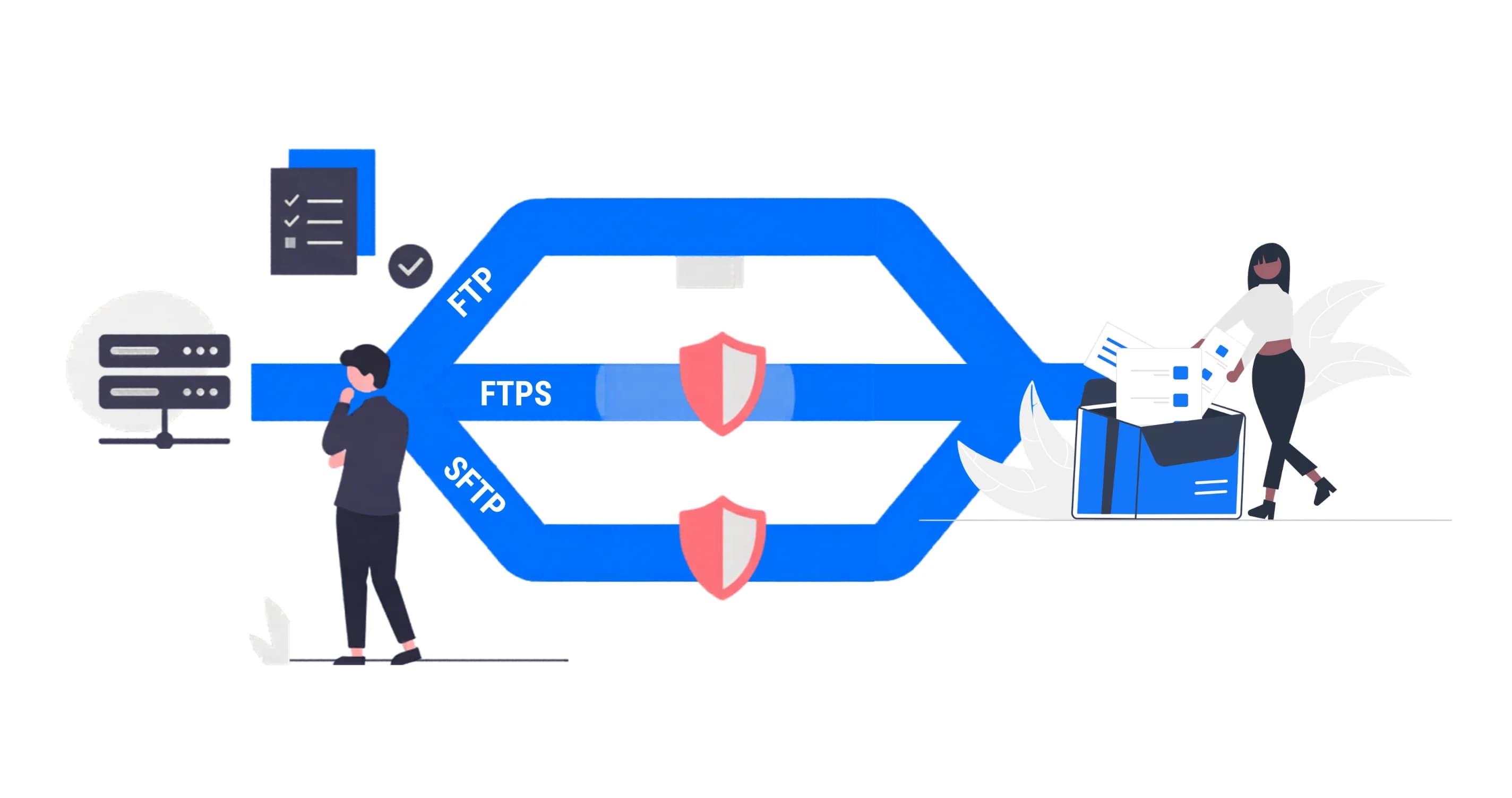
Everyone knows plain FTP is insecure. The confusion starts when people try to fix it. Two protocols evolved to solve FTP's problems, and they share almost nothing except the letters in their names.
The Three Protocols
FTP (File Transfer Protocol)
FTP is the original. It uses two channels: a control channel (port 21) for commands and authentication, and a separate data channel for actual file contents. The data channel port is negotiated dynamically during the session.
Everything is unencrypted. Usernames, passwords, file contents, directory listings. All plaintext on the wire. Anyone sitting between the client and server with a packet sniffer sees everything.
FTP still exists because hardware doesn't retire on schedule. PLCs manufactured in 2008, security cameras from 2012, and industrial sensors running embedded Linux from a decade ago all speak FTP. They will never learn SFTP. Their firmware updates stopped years ago.
FTPS (FTP Secure)
FTPS wraps the existing FTP protocol in SSL/TLS encryption. Same dual-channel architecture. Same port negotiation. Same protocol commands underneath. The encryption is bolted on top.
FTPS comes in two flavors:
- Explicit FTPS (the standard): Client connects to port 21, sends an
AUTH TLScommand, and the connection upgrades to encrypted. This is what you should use. - Implicit FTPS (deprecated): Client connects directly to port 990 and assumes encryption from the start. The IETF deprecated this in 2005, but some legacy systems still require it.
The encryption is real. AES-256, TLS 1.3, certificate-based authentication. The problem isn't the crypto. The problem is that FTPS inherited FTP's dual-channel architecture and all the firewall headaches that come with it.
SFTP (SSH File Transfer Protocol)
SFTP is a completely different protocol. It has nothing to do with FTP. It runs as a subsystem of SSH (Secure Shell) over a single encrypted connection, typically on port 22.
One port. One connection. All commands and data travel through the same encrypted tunnel. Authentication uses SSH keys or passwords (encrypted). There is no unencrypted mode. There is no "upgrade" step. Everything is encrypted by default, always.
SFTP was designed from scratch for security. FTP was designed for a network where everyone trusted each other.
The Comparison
| FTP | FTPS | SFTP | |
|---|---|---|---|
| Built on | FTP (1971) | FTP + SSL/TLS | SSH (1995) |
| Encryption | None | TLS 1.2/1.3 | SSH (AES-256, ChaCha20) |
| Ports required | 21 + dynamic range | 21 (or 990) + dynamic range | Single port (22) |
| Firewall friendliness | Poor | Poor | Excellent |
| Authentication | Plaintext password | Password or X.509 certificate | Password or SSH key |
| NAT traversal | Complicated (passive mode) | Complicated (encrypted passive) | Simple |
| Compliance (HIPAA, GDPR, PCI) | No | Yes (if configured correctly) | Yes |
| Resume interrupted transfers | Server-dependent | Server-dependent | Yes (protocol-level) |
| Still in active development | No | TLS layer is | Yes (OpenSSH) |
The Firewall Problem Nobody Warns You About
This is where FTPS falls apart in practice, and why so many teams end up on SFTP instead.
FTP and FTPS use passive mode for data transfers. The server tells the client: "Connect to me on port 47293 for the file data." That port number changes with every transfer. To allow this through a firewall, you need to open a range of ports (typically 10,000 to 20,000 ports wide) on the server side.
With plain FTP, smart firewalls can inspect the control channel, see the port negotiation, and dynamically open the right port. This is called "FTP inspection" or "FTP fixup."
FTPS breaks this entirely. The control channel is encrypted. The firewall cannot read the port negotiation. It cannot dynamically open ports. Your options:
- Open a static range of 10,000+ ports on the firewall (your security team will love this).
- Disable the firewall's application-layer inspection and hope for the best.
- Switch to SFTP.
Most teams end up at option 3.
SFTP uses exactly one port for everything. Commands, authentication, file data, directory listings. One port, one TCP connection, one firewall rule. If you can SSH to a server, you can SFTP to it.
When to Use Each Protocol
Use Plain FTP When
- You have legacy hardware that physically cannot use anything else (old PLCs, cameras without TLS support, embedded systems with frozen firmware).
- The devices are on an isolated network segment with no exposure to the internet.
- You accept the risk and have compensating controls in place.
Do not use plain FTP on the public internet. Credentials will be intercepted.
Use FTPS When
- You are required to use certificate-based (X.509) authentication and your compliance framework mandates it.
- You are connecting to a partner system that only supports FTPS (this happens in B2B EDI and financial data exchange).
- Your existing infrastructure is built around FTP and you need encryption without changing the protocol fundamentally.
The gotcha: If you're setting up FTPS for the first time in 2026, ask yourself why you're not using SFTP. FTPS makes sense for brownfield environments where FTP infrastructure already exists. For greenfield setups, SFTP is simpler to deploy, simpler to firewall, and simpler to debug.
Use SFTP When
- You're building anything new.
- You need to traverse firewalls or NAT reliably.
- You want SSH key authentication (no passwords stored on servers).
- You need compliance with HIPAA, GDPR, PCI-DSS, or SOX.
- You're automating file transfers with scripts or CI/CD pipelines.
- You want a protocol that won't require a networking degree to troubleshoot.
SFTP is the default choice for modern infrastructure. It's not perfect (the SSH handshake adds latency on high-frequency small-file transfers), but the operational simplicity outweighs the marginal performance difference in nearly every real-world scenario.
Performance: Does It Matter?
Some benchmarks show FTPS with a slight throughput advantage over SFTP for large files. The SSH encryption layer adds overhead compared to raw TLS.
In practice, the bottleneck is almost never the protocol. It's the network, the disk, or the cloud provider's API rate limits. If you're uploading a 10GB video file, the difference between SFTP and FTPS is measured in seconds, not minutes.
Where protocol choice does matter: high-frequency small file transfers. If you're uploading thousands of 10KB files per minute (IoT telemetry, POS transaction logs), SFTP's per-session SSH handshake can become measurable overhead. For this specific pattern, FTPS with connection reuse can be faster.
For everything else, pick the protocol that's easiest to operate. That's SFTP.
The Compliance Angle
Regulatory frameworks don't tell you which protocol to use. They tell you to encrypt data in transit, authenticate users, and maintain audit logs. All three protocols can technically satisfy these requirements (yes, even FTP if you wrap it in a VPN and document the compensating controls).
But auditors are humans. They understand risk.
- FTP requires pages of justification and compensating controls. Expect questions.
- FTPS satisfies most auditors if you can demonstrate TLS 1.2+ and proper certificate management.
- SFTP is the path of least resistance. SSH is well-understood by security teams. Key-based auth eliminates password management. Single-port operation simplifies network diagrams.
If your data pipeline handles PHI, PII, or financial records, SFTP reduces the surface area of your compliance documentation. That alone is worth the switch.
Quick Reference: Port Cheat Sheet
| Protocol | Control Port | Data Ports | Notes |
|---|---|---|---|
| FTP | 21 | 20 (active) or dynamic range (passive) | Open 10,000+ ports for passive mode |
| FTPS Explicit | 21 | Dynamic range (passive, encrypted) | Firewall inspection broken by TLS |
| FTPS Implicit | 990 | 989 or dynamic range | Deprecated by IETF |
| SFTP | 22 | Same (22) | One port, one rule, done. |
How Rilavek Handles All Three
We built Rilavek to accept all three protocols because real-world infrastructure doesn't give you the luxury of choosing. Your 2012 IP camera speaks plain FTP. Your partner's EDI system uses FTPS. Your DevOps team scripts everything over SFTP.
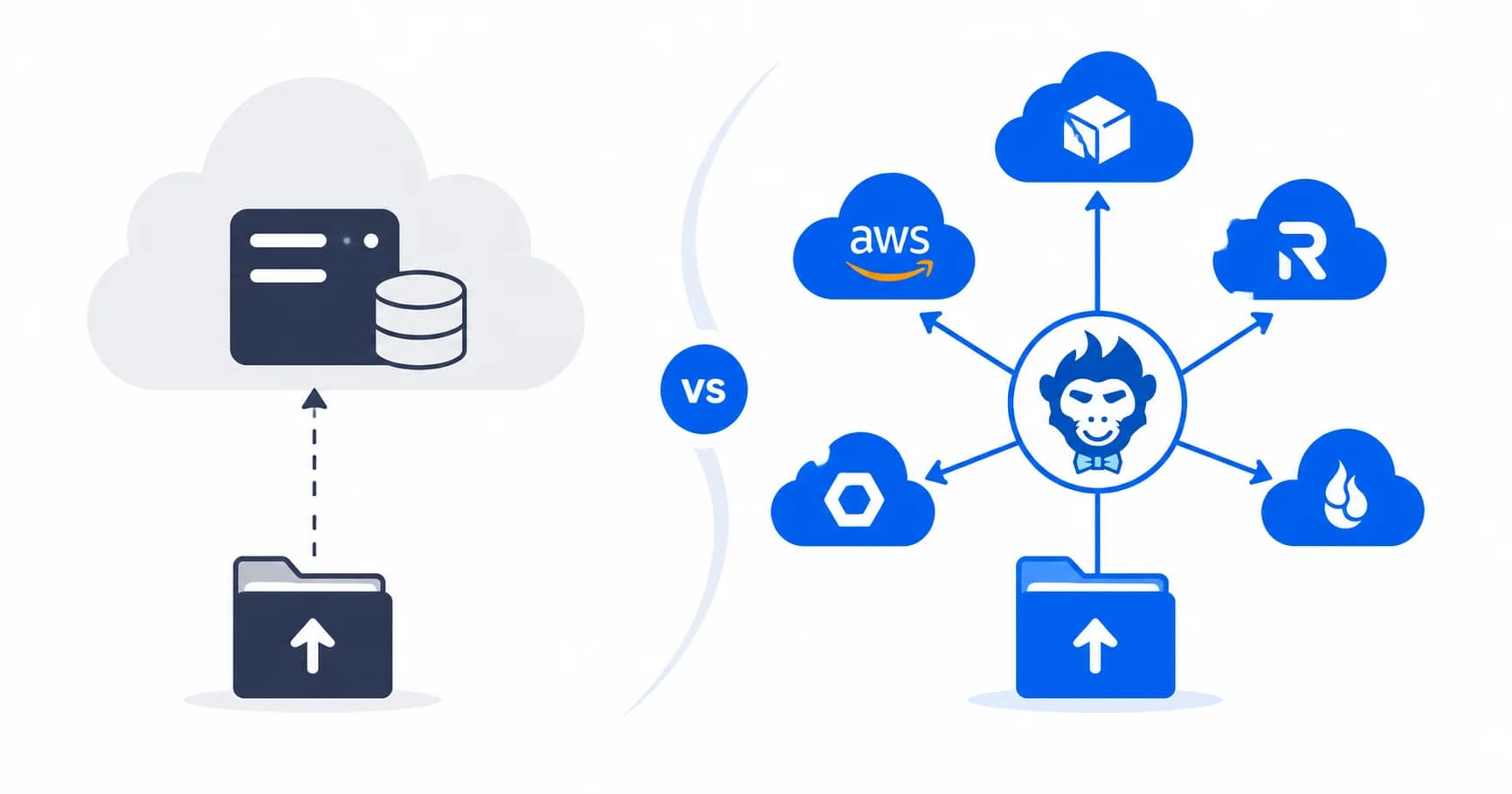
Instead of running three different servers with three different configurations, point everything at Rilavek. We terminate the protocol, stream the data directly to your S3 bucket (or any S3-compatible storage), and give you a single audit log that tracks every file from every source.
- FTP/FTPS:
ftp.rilavek.comon port 21 - SFTP:
sftp.rilavek.comon port 2222
No servers to patch. No firewall ranges to maintain. No credentials scattered across config files. The protocol is the device's problem. Storage is yours.
Get started free on Rilavek (10GB/month of transfer included, no credit card required).
Technical Reference & Next Steps
- SFTP Protocol Specification: Connection details, port 2222 configuration, and key management in our SFTP Documentation.
- FTP & FTPS Details: TLS modes and passive port handling in our FTP Documentation.
- SFTP Commands Reference: Grab essential client flags and bash scripts from our SFTP Commands Cheat Sheet.
- Managing External Suppliers: Set up per-vendor isolation in Giving Every Vendor Their Own SFTP Login.
- AWS Transfer Family vs Rilavek: Compare architecture and costs in our AWS Transfer Family vs Rilavek Guide.
Enjoyed this guide?
Share it with your network to help others scale their data pipelines.