It always starts with one supplier. Someone from procurement pings you: "Our new vendor needs SFTP access to drop off invoices."
Fine. You've done this a dozen times. SSH into the box, spin up a user account, set the chroot jail, test the connection. An afternoon, maybe less. No real drama.
But then it's three vendors. Then a logistics partner. Then an auditor who needs a read-only slot for Q4. Fourteen months later you're staring at a passwd file with 34 entries and zero documentation on who half of them actually are, and there's a ticket open from a supplier whose key "just stopped working after the OS update."
The problem was never the initial setup. It's that this approach doesn't have a natural stopping point.
Why OpenSSH Falls Apart at Scale
One or two external partners? Running OpenSSH for SFTP is completely fine. Past that threshold, it starts working against you.
The authorized_keys file is the first place it breaks. You're hand-managing public keys with no API, no audit trail. When someone leaves a partner org and their key needs revoking, you're doing archaeology in a flat file trying to figure out which line is theirs. There's no foreign key constraint between a key entry and a human being.
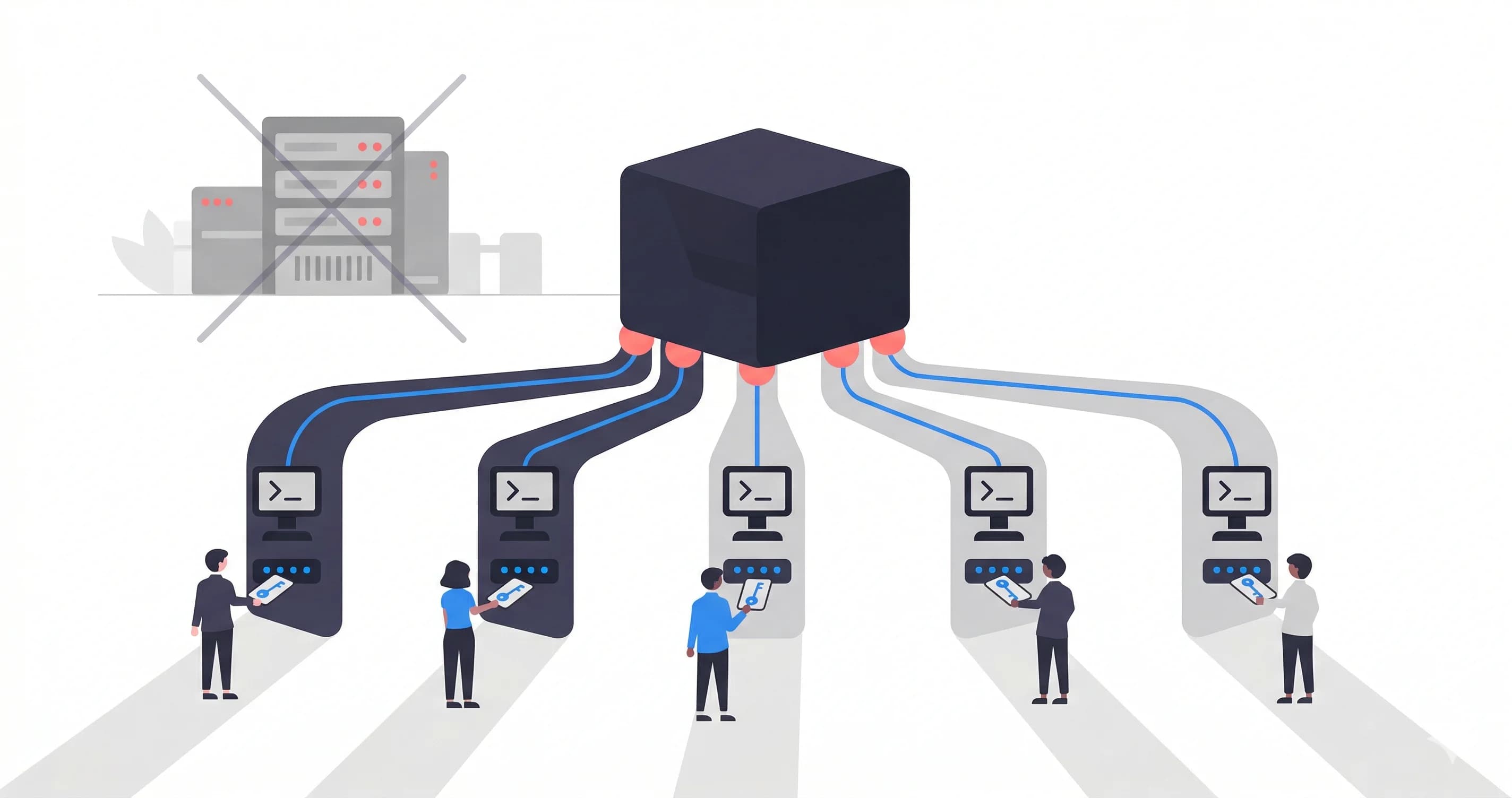
Isolation is the second problem. Users share the same OS. A botched chroot, a directory with world-read permissions, or a path traversal you didn't account for means one vendor might be able to see another's files. You probably set up the chroot right the first time. But thing is, three years of useradd commands and a few staff handovers later, things drift in ways nobody notices until they matter.
And then there's the audit trail (or lack of one). A vendor calls claiming they uploaded something last Tuesday. You're in /var/log/secure grepping for a username, trying to stitch a timeline out of raw timestamps. That's not auditability. That's a reconstruction exercise.
The Fix: Separate the Identity from the Infrastructure
The structural problem with the SSH approach is that a vendor's credential is physically tied to a directory on your server. The username, the chroot path, the storage: they're all one tangled thing. Revoking someone means carefully picking that apart without touching anything else.
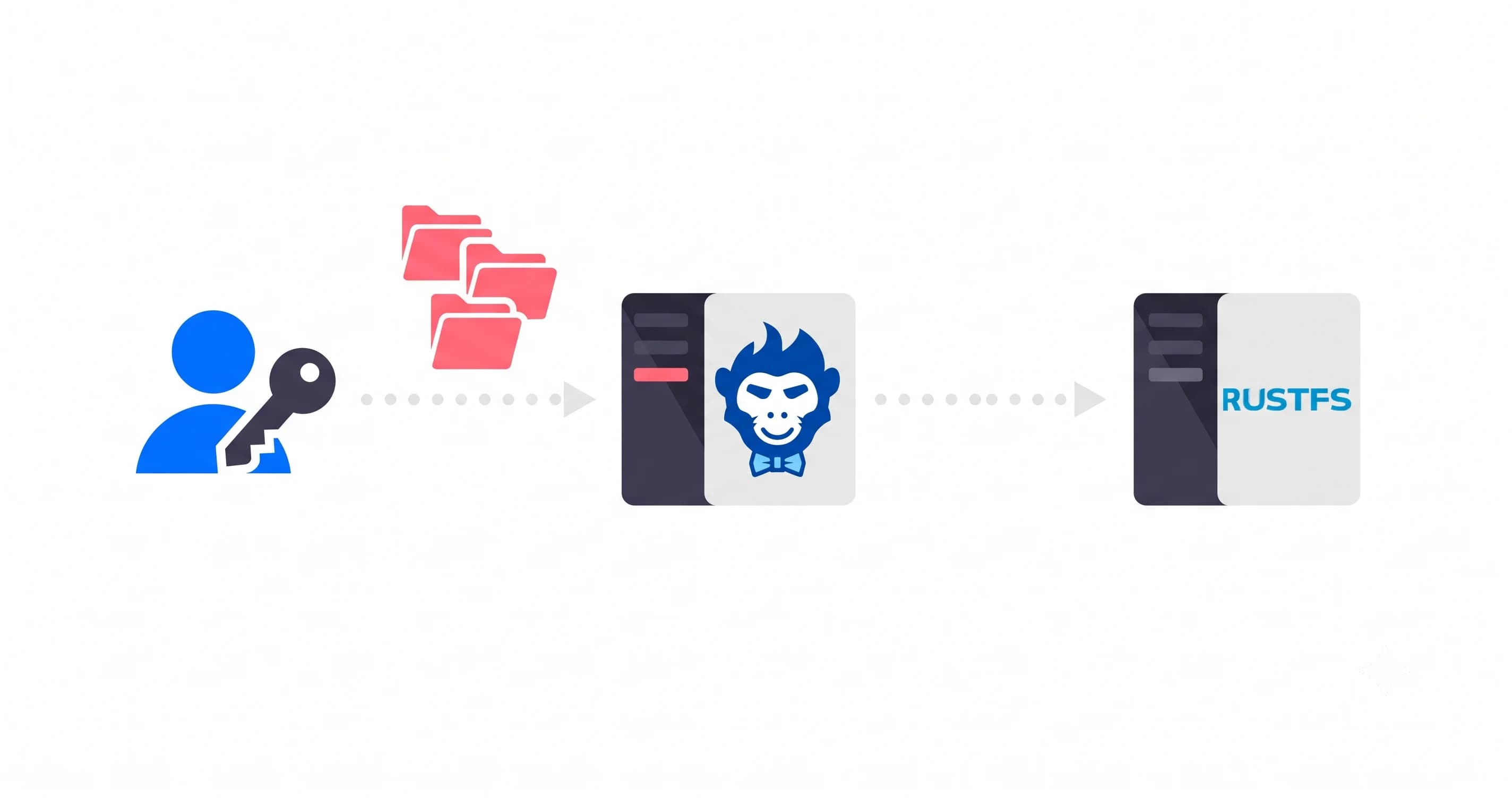
The cleaner way to think about it: keep the identity layer separate from where files actually land. Each vendor is a named identity, a Sender, that routes uploads through a shared channel into your cloud storage. The vendor's credential doesn't describe a folder. It describes who they are. The routing happens at a different layer.
That's the model Rilavek is built on. One global SFTP endpoint. You provision isolated credentials per vendor. Files stream straight into your S3 bucket, Cloudflare R2, Backblaze B2, wherever, without Rilavek touching your data at rest.
Setting It Up: The Actual Steps
Here's how this works with a concrete example: three suppliers uploading invoices to the same S3 bucket, each completely blind to the others.
Step 1: Connect Your Data Store
Tell Rilavek where files should land. You're not handing vendors access to your bucket; you're giving Rilavek write permission on their behalf.
Wire this up with a scoped IAM user. s3:PutObject on this bucket only. Your broader AWS account doesn't come into it.
Step 2: Create a Pipe and Enable SFTP
A Pipe is the routing layer. Give it a name, then click into the Inputs section and enable SFTP. Rilavek hands you the endpoint immediately, with no DNS config and no firewall rules on your end.
Inputs
Enable protocols to receive data.
While you're in the Data Store settings for this pipe, flip on "Store in sender folder." That's the key setting people miss. It tells Rilavek to prefix every incoming file with the sender's name, so supplier_acme's invoices go into their own subfolder and never overlap with anyone else's uploads. No custom S3 key logic. No Lambda. Just a checkbox.
Step 3: Grant Access to Individual Vendors
Each vendor gets a Sender: their own named identity with their own credentials. They all hit the same endpoint. They're all routed through the same pipe. But at the authentication layer, they're completely walled off from each other.
Access Control
Restricts who can upload to this pipe.
supplier_acme@p_inv4k
globex_logistics@p_inv4k
What you send the vendor is dead simple: a host, a username, a password. They don't need an SSH key pair unless you want one. They don't know your bucket name. They can't see other vendors on the same pipe.
Host: sftp.rilavek.com
Port: 2222
Username: supplier_acme@p_inv4k
Password: <generated>
What Hits S3
The moment a vendor drops a file, your bucket organizes itself:
s3://acme-vendor-invoices/
├── supplier_acme/
│   ├── invoice_2026_04.pdf
│   ├── invoice_2026_03.pdf
├── globex_logistics/
│   ├── delivery_manifest_q1.csv
├── auditor_kpmg/
│   ├── audit_request_2026.xlsx
No custom code. No bucket prefix management. No Lambda routing logic. It's pure configuration.
Ultimate Flexibility: One Vendor, Multiple Workflows
The @pipe_id suffix in the username is what routes the connection, not the server address. When supplier_acme@p_inv4k connects, Rilavek strips the @p_inv4k segment to identify the target pipe, then authenticates that sender against that pipe's access list.
Because routing is decoupled from authentication, you have total flexibility in how you handle access.
Want to keep things simple? You can assign the exact same Sender identity to multiple pipes. Your logistics vendor can use their existing password to drop off invoices in one pipe (@p_inv4k) and delivery manifests in another (@p_mnfst).
Want strict compartmentalization? You can create completely separate Sender identities for different departments within the same physical organization. Give them one credential for financial documents and a completely different login for engineering assets.
You control the granularity. You add them to each pipe independently, which means you always dictate exactly who can reach which workflow.
Revoking Access Without Breaking Everyone Else
This is honestly where the model pays off most obviously.
When a vendor relationship ends, you don't touch the OS, you don't rotate shared credentials, and you don't hope you've cleaned up every dangling reference. You just pull that specific Sender out of the pipe; just hit the bin icon on their entry in the Access Control section. That's it.
Individual Senders
globex_logistics@p_inv4k
The endpoint keeps running. The other vendors don't notice a thing. Files already in S3 are untouched. The removed vendor's credentials stop working immediately.
Meanwhile, with OpenSSH, you'd be running userdel -r globex_logistics, hunting down their authorized_keys entry, checking for leftover directories, and wondering if you missed anything. Then writing it up so the next person knows what happened.
One click. Done.
What About SSH Key Auth?
Passwords work fine for most of these vendor scenarios. Some enterprises, though, have policies around key-based auth or their SFTP client just handles keys better than stored passwords.
Rilavek lets you attach a public key to a sender. The vendor connects with their private key, you store the corresponding public key in their sender config, and you never touch an authorized_keys file. Key rotation happens in the dashboard.
One thing to be aware of: key auth and password auth are mutually exclusive per sender. If you upload a public key for a sender, their password stops working. That's the right security behavior (you don't want both active), but it catches people out when they're initially testing with a password and then switch to keys without realizing the password is now dead.
"Did They Upload It by the Deadline?"
Your compliance team will ask this eventually. With a self-hosted SFTP server, answering it means digging through raw auth logs, cross-referencing timestamps, and hoping the log rotation didn't eat the relevant window.
With Rilavek, every transfer generates a structured record: who sent it, when it arrived (millisecond precision), what the filename was, how big it was, and whether it landed successfully in S3. That's a proper audit record, not a forensics exercise.
You can filter by sender. You can see failures. If you've wired up a webhook, your ops channel got a ping the second the file hit the bucket. The question "did Globex upload the Q1 manifest?" goes from a 20-minute grep session to a 10-second filter.
The 34-Vendor Problem, Actually Solved
That passwd file with 34 entries and no documentation isn't really a failure of the sysadmin who built it. It's a category error. OS-level user accounts are the wrong abstraction for vendor access control.
The OS user database doesn't know what a "vendor" is. It doesn't know a credential belongs to a third party that might disappear on a Tuesday afternoon. It doesn't know to write an audit log in business terms. It just manages accounts.
Rilavek's model works because it operates at the right layer. A Sender is a business identity, not a system account. You can onboard a new supplier in three minutes, audit their transfer history by name, and remove them without touching anything else. A hundred vendors, all isolated, all routing to the same S3 bucket.
Running your own SFTP server made sense when it was the only option. It isn't anymore.
Technical Reference & Next Steps
- SFTP Source Documentation: For deep-dives into port configuration (Port 2222) and login formats, see our SFTP Docs.
- AWS Transfer Family vs Rilavek: Still considering native AWS options? See our direct comparison on pricing, complexity, and feature sets.
- Command Line Cheat Sheet: Share our SFTP command guide with your vendors to help them get connected with standard CLI tools like OpenSSH or WinSCP.
Enjoyed this guide?
Share it with your network to help others scale their data pipelines.