
Backup Hikvision Cameras to Your Own Cloud Storage
Eliminate expensive NVR hardware and proprietary cloud subscription fees. Point your Hikvision cameras and NVRs directly to Rilavek to stream motion clips and recordings straight into Cloudflare R2, Backblaze B2, or AWS S3.


Your Hikvision cameras stream clips offsite immediately. Intruders cannot steal or destroy critical surveillance evidence by seizing on-prem recorder hardware.
Store Hikvision recordings on your own terms. Apply automated cloud bucket lifecycle rules to rollover, expire, or archive footage after 30, 90, or 365 days.
Rilavek ingests native FTP and FTPS streams from your Hikvision firmware and writes directly into multipart S3 PUTs with TLS encryption and zero disk writes.
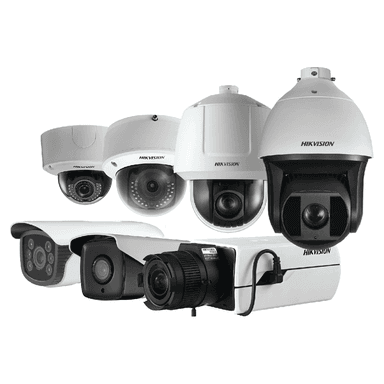
Any Hikvision camera or NVR with FTP/FTPS capability works out of the box. Whether you have a turret, bullet, PTZ dome, or an 8/16-channel NVR, if your Hikvision web interface has an FTP settings page, you can stream directly to your private cloud storage with zero extra hardware.
Select Your Hikvision Model
Choose your specific camera model or NVR to view verified step-by-step setup guides, firmware field mappings, and storage sizing:
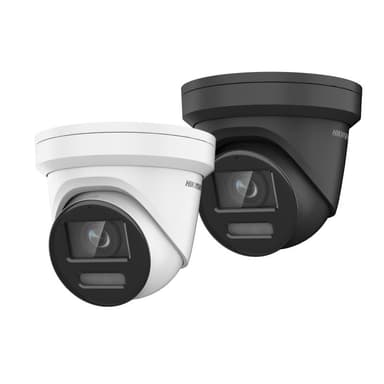
Hikvision ColorVu 4K DS-2CD2387G2-LU Turret
Commercial-grade 4K ColorVu 24/7 full-color turret with FTPS/FTP upload.
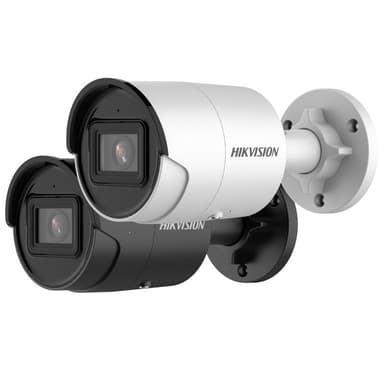
Hikvision AcuSense 4MP DS-2CD2046G2-I Bullet
Deep learning AcuSense false-alarm reduction camera with offsite FTP archiving.
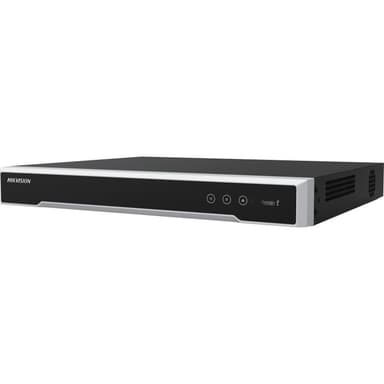
Hikvision 8-Channel 4K NVR (DS-7608NI)
Network Video Recorder offsite disaster backup directly to S3/R2 object storage.
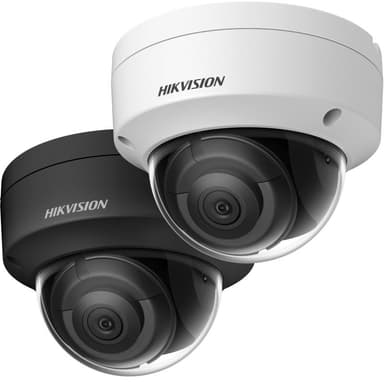
Hikvision 4MP Vandal-Proof Dome (DS-2CD2143G2)
IK10 vandal-resistant dome for commercial security with automated cloud upload.
Other Hikvision Cameras & NVRs
Universal FTP storage setup for all Hikvision IP cameras, DVRs, and NVRs.
Supported Cloud Storage Destinations
Stream Hikvision clips straight to your own cloud buckets with zero vendor lock-in:


Hikvision Cloud Storage Calculator
Estimate storage consumption, monthly bandwidth, required internet uplink, and cloud bucket costs for your Hikvision camera fleet.
Fleet Configuration Parameters
Adjust resolution, camera count, activity level, and retention window
Standard 1920×1080 HD stream (~1.2 Mbps)
High definition 2560×1440 or 5MP (~2.5 Mbps)
Flagship 3840×2160 8MP stream (~5.5 Mbps)
Panoramic / multi-sensor high resolution (~8.0 Mbps)
Warehouses, storage rooms, rarely used areas
Offices, shops, entrances
Car parks, streets, busy retail


4× 1080p Full HD (2MP)
 Rilavek Ingest (Free Plan):$0.00/moCloudflare R2 Storage (8.8 GB):$0.00/moCloudflare R2 API Operations (6,000 PUTs):$0.00/mo





Frequently Asked Questions about Hikvision Cloud Storage
Do Hikvision cameras and NVRs require an on-site bridge or recording server?
No. Hikvision IP cameras (v5.5+ firmware) and NVRs (such as DS-7600, DS-7700, and DS-9600 series) have built-in native FTP/FTPS client firmware. You simply input your Rilavek pipe address and sender credentials in Configuration > Network > Advanced > FTP. Footage streams directly into your private S3 bucket without requiring bridge hardware like Videoloft.
How do I configure Hikvision to upload full video recordings instead of just JPEG snapshots?
By default, Hikvision firmware uploads JPEG snapshots on motion events unless video linkage is explicitly toggled. In the camera web UI, navigate to Configuration > Event > Basic Event (or Smart Event) > Linkage Method, check 'Upload to FTP' under Normal Linkage, and verify that video recording is selected in Storage > Schedule Settings.
Why does my Hikvision test upload fail with 'Error Code 553'?
Hikvision firmware validates directory paths strictly. If you specify a directory path with a leading slash or double slashes (e.g., /cctv/front/ instead of cctv/front), Hikvision firmware rejects it with Error 553. Rilavek normalizes paths automatically, but entering relative directory syntax without leading slashes ensures immediate firmware validation pass.
Can I connect an entire multi-channel Hikvision NVR to Rilavek?
Yes. In your Hikvision NVR (NVR 4.0 or 5.0 interface), go to Storage > Advanced > FTP and configure your Rilavek endpoint. Select 'Save in Subdirectories by Channel No.' so recordings from each connected IP camera are automatically sorted into dedicated channel directories in your bucket.
Does Hikvision support encrypted FTPS (FTP over TLS)?
Yes. Hikvision firmware (v5.5.80+ and v5.6+) supports FTPS on port 990 or port 21 with explicit TLS. Rilavek provides end-to-end TLS encryption so your surveillance stream remains encrypted across the internet into your object storage.
How much cheaper is Rilavek compared to Hik-Connect cloud storage?
Hik-Connect cloud plans charge steep per-camera monthly fees ($4 to $10/mo per camera) with rigid retention limits. With Rilavek, you store clips directly in commodity S3 storage like Cloudflare R2 (zero egress fees, $0.015/GB) or Backblaze B2 ($0.006/GB). For typical motion events, cloud storage costs less than $0.50 per camera monthly, saving over 90% annually.
Stream Hikvision surveillance to your cloud storage today.
Zero NVR hardware required. No proprietary vendor lock-in. Connect your Hikvision cameras via native FTP and store encrypted recordings in your private S3 bucket.
Free plan includes 10GB of transfer. No credit card required.