Moving files into cloud storage is only half the job. At some point, you actually need to see what arrived.
Until today, checking your files meant leaving Rilavek entirely. You had to log into your cloud provider, navigate confusing storage panels, or open desktop transfer apps just to download a file and double-click it in an external player. And if you were new to Rilavek and just wanted to test a connection, you had to set up cloud storage accounts and access keys before sending a single byte.
Today we are rolling out a major update that fixes both problems: an interactive in-dashboard file browser with inline media playback, and a pre-provisioned 1GB sandbox on every account.
What Is New
Here is a quick look at everything included in this update:
1. In-Dashboard File Browsing & One-Click Downloads
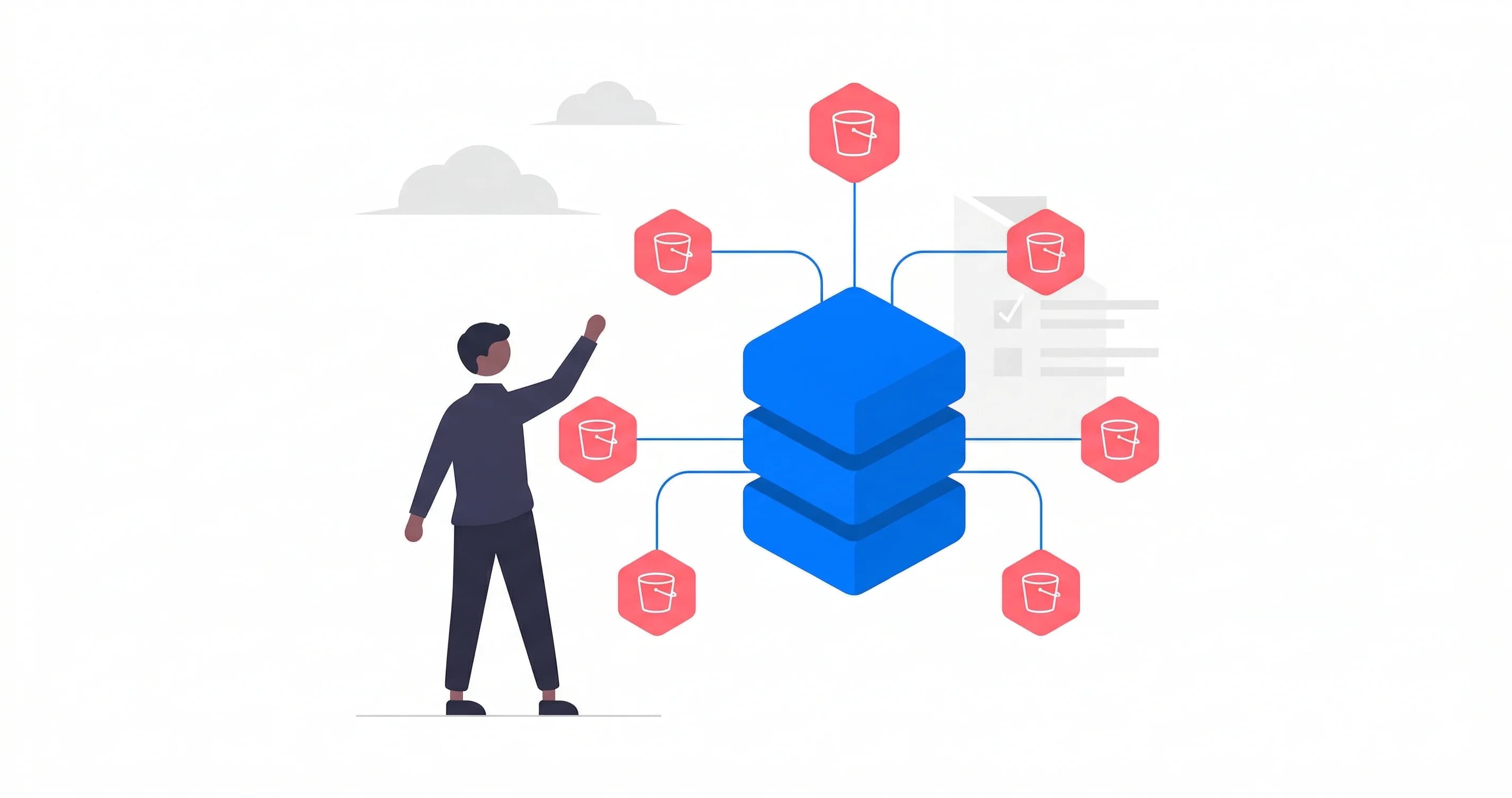
You can now explore any connected storage bucket directly inside your Rilavek dashboard.
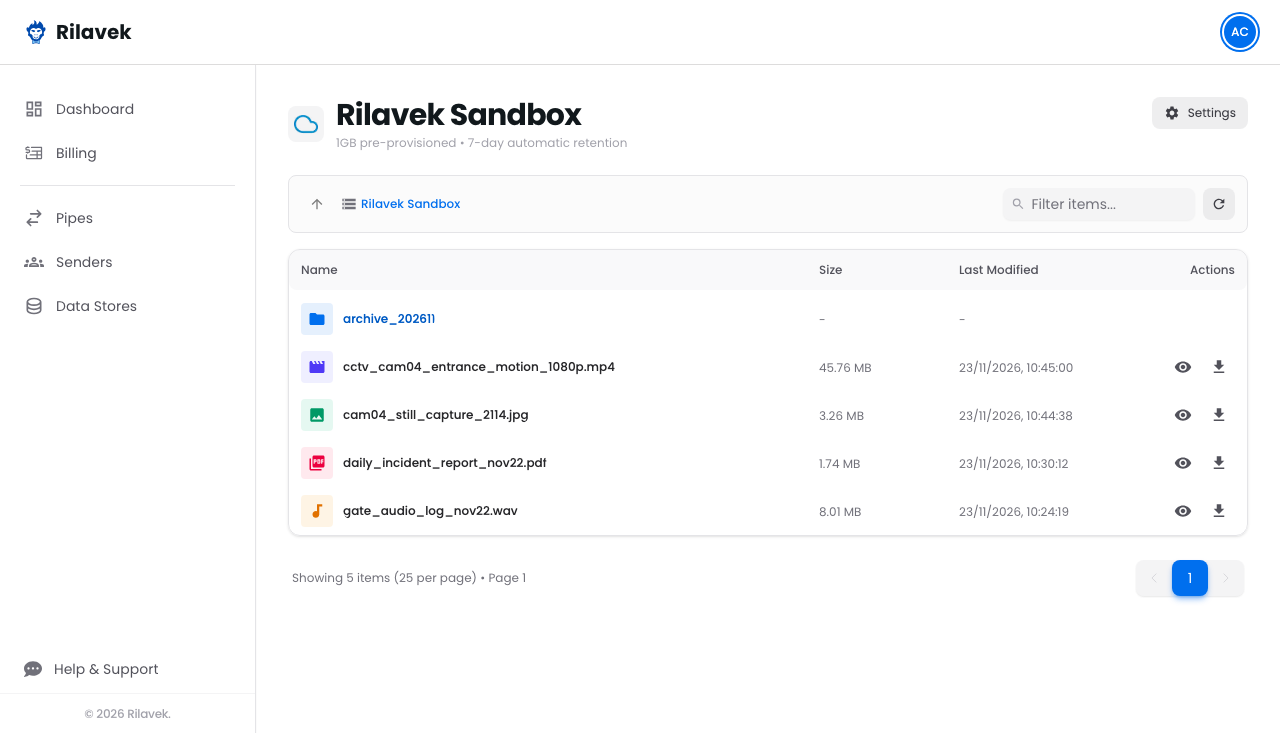
- Browse Any Folder: Click through folders naturally with breadcrumbs, or type into the instant search bar to find files in seconds.
- One-Click Downloads for Everything: Need a spreadsheet, a database backup, or a ZIP archive? Click the download button on any file row to grab it immediately.
- Visual File Types: Videos, audio tracks, photos, documents, and archives now display distinct color-coded icons so you can scan your folders at a glance.
2. Native Playback for Videos, Audio, Photos, and PDFs
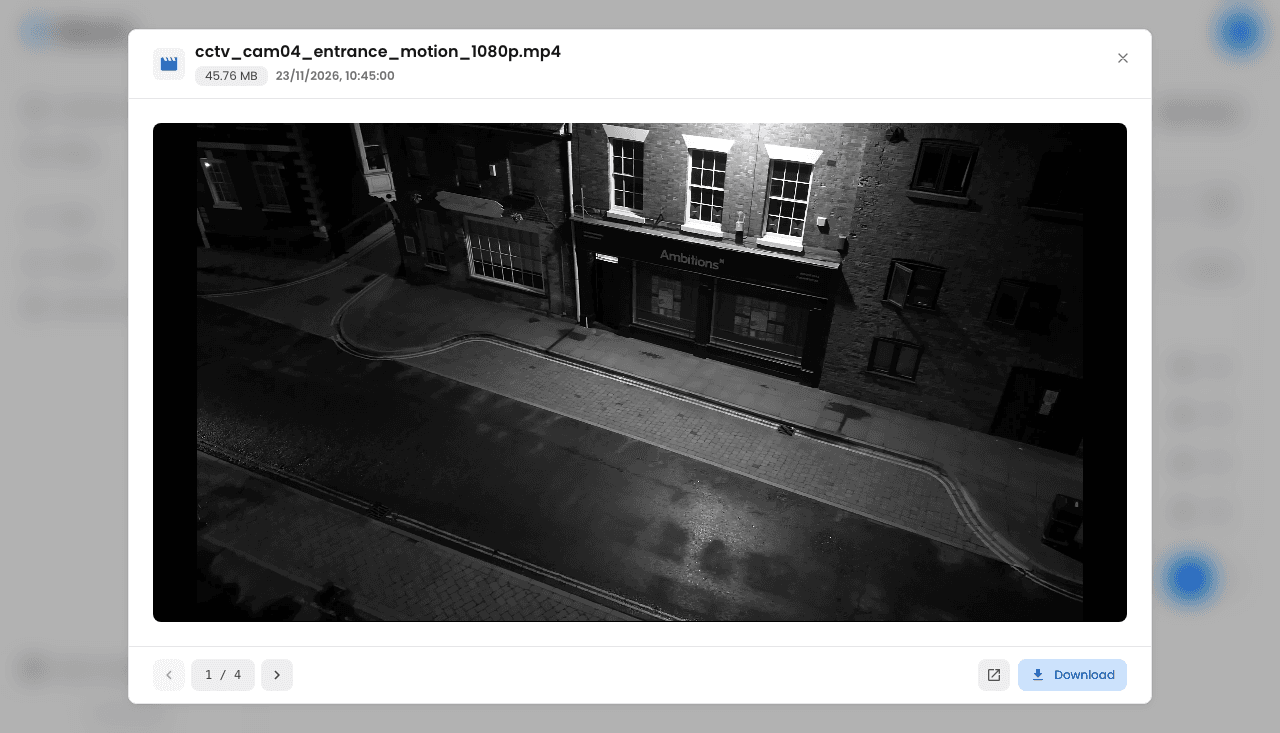
For media files, you no longer have to wait on downloads. Clicking any supported file opens an instant, full-featured player right in your browser tab:
- Watch Videos: Play MP4 and WebM clips with native playback controls, timeline scrubbing, volume adjustment, and full-screen support.
- Listen to Audio: Play voice recordings, gate audio, and sound clips directly in the window.
- Inspect Photos: Open high-resolution camera captures, drone shots, and graphics without leaving the page.
- Read PDFs: Flip through delivery receipts, signed documents, and reports inline.
- Keyboard Navigation: Use your keyboard's left and right arrow keys to skip between clips in a folder without closing the viewer.
Best of all, your browser streams the file directly from your storage provider. The media never routes through proxy servers, keeping playback snappy and your files private.
3. Built-in 1GB Sandbox Storage
For teams testing new setups or trying Rilavek for the first time, getting started is now completely friction-free.
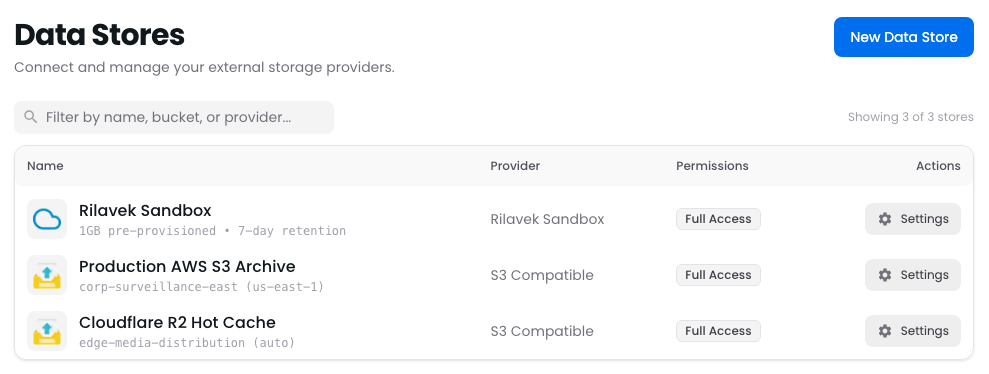
Every Rilavek account now comes with 1GB of pre-provisioned sandbox storage ready to go:
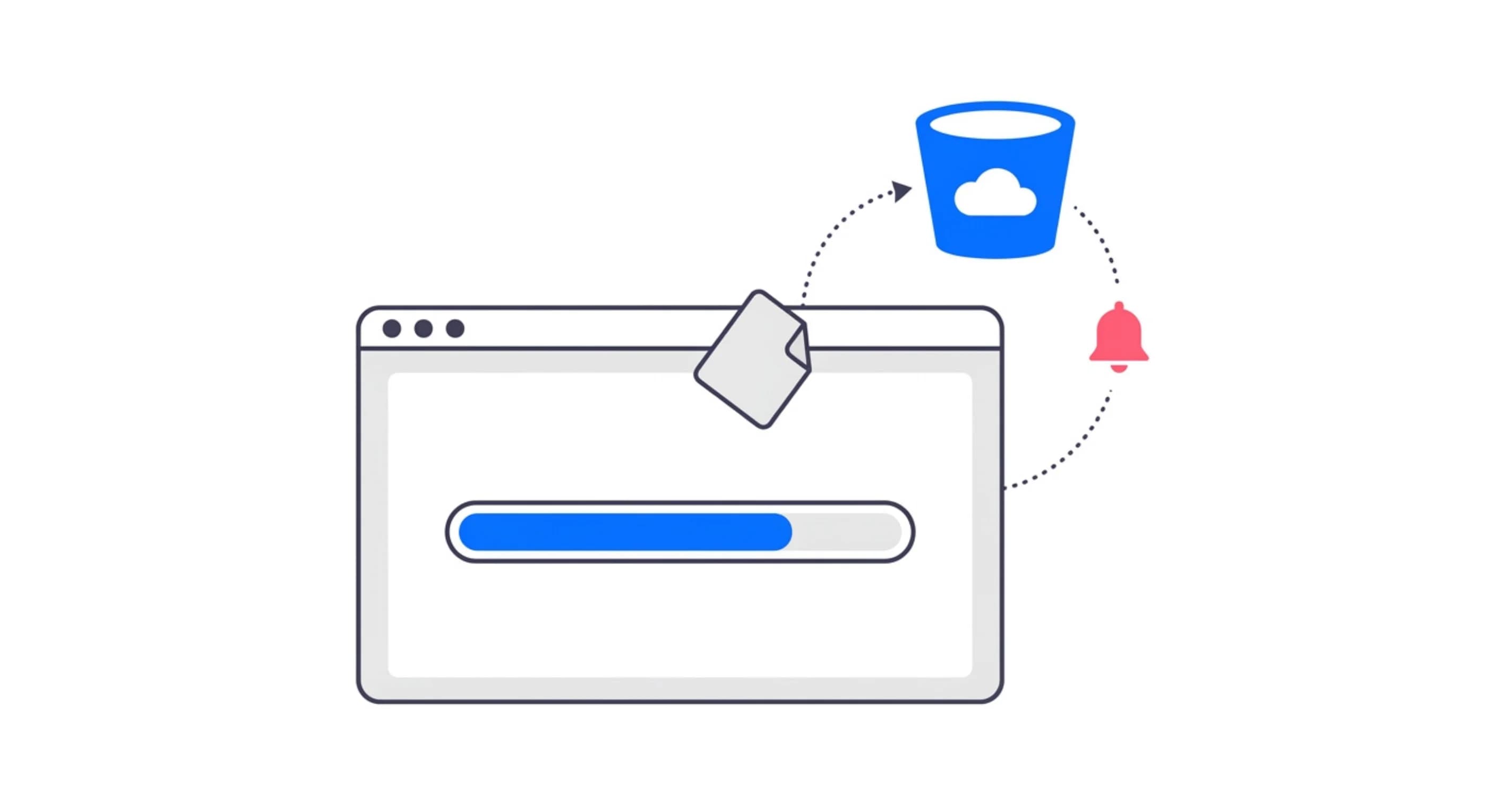
- No Cloud Accounts Required: Test camera uploads, automated scripts, or scanner connections without signing up for cloud storage or entering credit card details.
- Private and Isolated: Your test files live in an isolated workspace dedicated solely to your account.
- Full Protocol Access: Send data using plain FTP, secure FTPS, SFTP, or browser uploads.
- Automatic 7-Day Cleanup: Sandbox files stay active for 7 days so you have plenty of time to inspect and download them before they are automatically cleared.
Once you confirm your hardware or scripts are talking to Rilavek smoothly, you can connect your permanent storage bucket whenever you are ready.
Why We Built This
Most cloud storage tools are built around raw infrastructure. They show you bucket names, byte counts, and access policies, but they keep you blind to your actual content.
If an outdoor security camera catches movement at 2:00 AM, downloading a 50MB video file just to see if a car drove past is painful. If a partner sends an invoice over SFTP, you want to glance at the total immediately, not dig through your laptop's Downloads folder.
We built this update so you can verify, download, and play your incoming data the instant it lands.
Available Today
All of these features are live in your account right now:
- If you already have data stores connected, grant read access in your storage settings to unlock the browser and media player immediately.
- If you are trying a new setup, head to Pipes, select your Rilavek Sandbox, and send your first test file in under 30 seconds.
Jump into your Rilavek Dashboard and take it for a spin.
Enjoyed this guide?
Share it with your network to help others scale their data pipelines.